Deciding which headless CMS platform to use can be daunting, especially with over 100 options in the market.
This comparison guide will simplify your decision-making by providing an overview of the best headless CMS platforms to consider in 2026, including Prismic, Sanity, and Strapi.
Let's dive in!
TL;DR (key takeaways)
- All six platforms covered - Prismic, Sanity, Strapi, Contentful, Hygraph, and Directus - meet the core requirements for a headless CMS, but each has a distinct strength that makes it the right fit for a specific team or use case.
- Prismic stands out for its AI search visibility and lets you create landing pages quickly without slowing down your workflow.
- Sanity is great for flexible content operations and AI-assisted content management.
- Strapi gives developers full control with self-hosted infrastructure and a rich open-source ecosystem.
- Contentful works well for enterprises that need multi-channel content delivery and advanced personalization.
- Hygraph excels as a GraphQL-native CMS with AI agents that automate translation, summarization, and SEO/GEO optimization.
- There are several factors to consider when choosing the best headless CMS, including API type, developer control, visual editing for marketers, and localization.
Best Headless CMS selection process
When selecting the best overall headless CMS platforms, we focused on tools that offer all the essential features of a smodern CMS.
At the same time, each platform brings something unique to the table—the unique differentiator that makes them stand out. This balance between essential features and distinctive advantages is what makes them stand out as the best overall options.
Having said that, let's explore our list of 6 best headless CMS platforms in 2026 and what they offer in more detail.
The table below summarizes the learnings from each platform.
What is a headless CMS? A quick primer
A headless CMS is a content repository that separates your backend from your frontend. You manage and store your content in one place, then use APIs to deliver it to any digital channel you build.
To learn more about headless CMSs, including their architecture, benefits, use cases, and how they compare to traditional CMSs, explore our guides on the subject.
| CMS | Pricing | API type | Best for |
|---|---|---|---|
| Prismic | Starts at $10/month | REST | AI-visible landing pages and developer-controlled content architecture |
| Sanity | Starts at $15/month | GraphQL | Flexible content operations & real-time collaboration |
| Strapi | Starts at $45/month | REST + GraphQL | Developer-first, self-hosted control |
| Contentful | Starts at $300/month | REST + GraphQL | Multi-channel content delivery for enterprises |
| Hygraph | Starts at $199/month | GraphQL | AI-powered workflows & automation |
| Directus | Starts at $99/month | REST + GraphQL | Database-first flexibility |
Best Headless CMSs in 2026
1. Prismic
Best for: AI-visible landing pages and developer-controlled content architecture
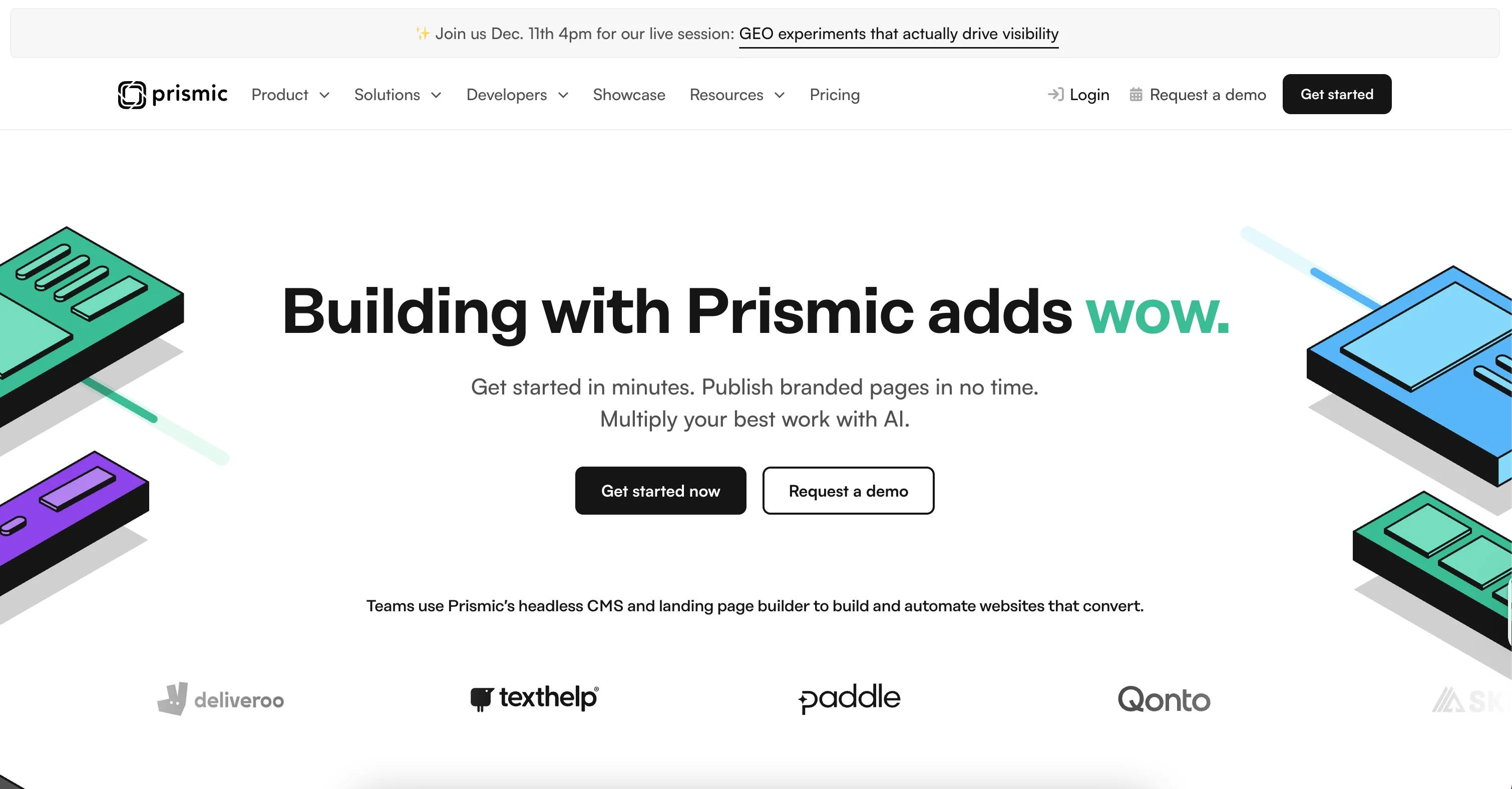
Prismic is a headless CMS designed for launching fast, branded websites and landing pages in no time. It combines a flexible content platform with a dynamic page builder, allowing developers to create reusable components while marketers launch new content or update existing content independently.
Standout features
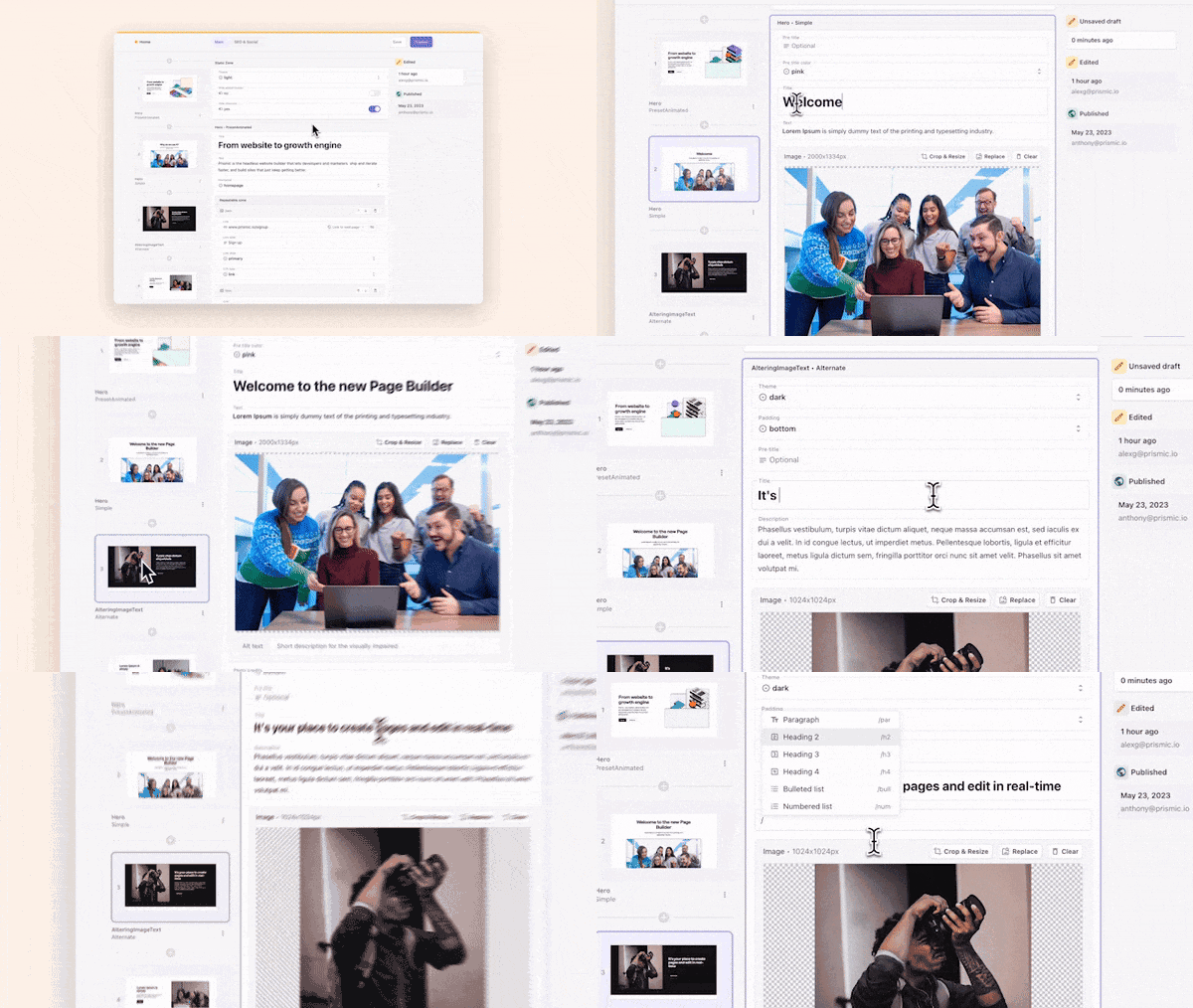
- Visual page builder: Lets you create and edit pages in real time, so you can see exactly how your content will look as you build it. You can assemble pages visually, like you would arrange slides in a deck.
- Slice Machine: Prismic’s local development tool that lets you build and manage slices directly inside your project. Instead of configuring everything in the cloud first, you create reusable page sections alongside your code, test them locally, and then sync them to Prismic when ready.
- ABM landing page builder: Lets you generate hundreds of personalized landing pages in minutes. You build a reusable page blueprint with locked-in brand design and messaging, upload a CSV with your account data, and Prismic's AI generates personalized page variations for each account.
- SEO/GEO landing page builder: Converts a keyword list into hundreds of optimized, brand-consistent landing pages quickly, each tailored to a specific search intent or long-tail query.
- Migration API: For transferring content to Prismic in bulk, so you don’t start from scratch. You can migrate thousands of pages easily and import content across multiple locales.
Benefits for Marketers
- Visual page builder for real-time editing.
- ABM and SEO/GEO landing page builders for campaign scale.
- Built-in localization.
Benefits for Developers
- Slice Machine for code-first component development.
- REST API.
- Migration API for bulk content transfers.
Limitations
- Prismic is optimized for web and landing page use cases, so teams delivering content across multiple channels may need additional custom development and careful content structuring to make it work.
- It doesn’t include built-in integrations for things like e‑commerce or forms, so custom development is required.
Pricing
- Free
- Starter ($10/month)
- Small ($25/month)
- Medium ($150/month)
- Platinum ($675/month)
- Enterprise (Custom)
Resources
2. Sanity
Best for: flexible content operations & real-time collaboration
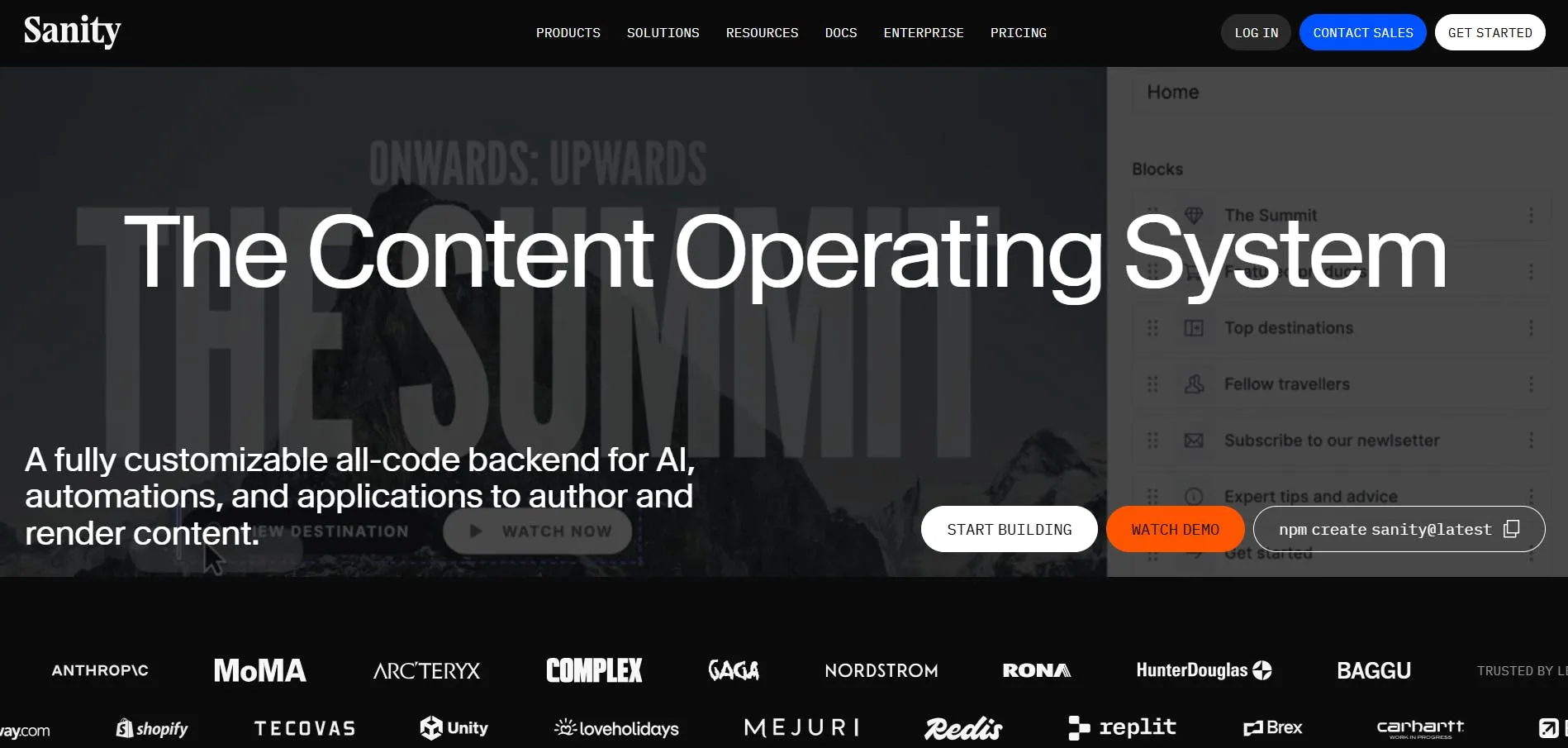
Sanity positions itself as a "Content Operating System" rather than a traditional headless CMS. This means that it provides a fully customizable backend for building, managing, and delivering content-driven applications, with tools for real-time collaboration and AI-powered workflow automation.
Standout features
- Sanity Studio: A content workspace that lets you control how your team creates and publishes content. It offers real-time collaboration and visual editing while keeping your content structured and your media organized.
- Content Agent: An AI agent that handles content operations at scale. It lets you audit, update, and transform hundreds or thousands of documents in minutes, while staying aware of your content structure and schema.
- Content Lake: A real-time database built for storing any JSON content. You can query, mutate, and manage the content you store in it using GROQ—Sanity’s open-source query language for JSON.
Benefits for Marketers
- Real-time collaboration with content teams.
- AI Content Agent for bulk content updates.
Benefits for Developers
- Fully customizable Studio built with TypeScript and React.
- GROQ query language.
- Schema-as-code with Git versioning.
Limitations
- Sanity can be complex to learn because its workflows and configurations take time to get used to.
- GROQ is not as familiar as GraphQL, so it requires some learning.
Pricing
- Free
- Growth ($15/month/per seat)
- Enterprise (custom)
Resources
3. Strapi
Best for: developer-first, self-hosted control
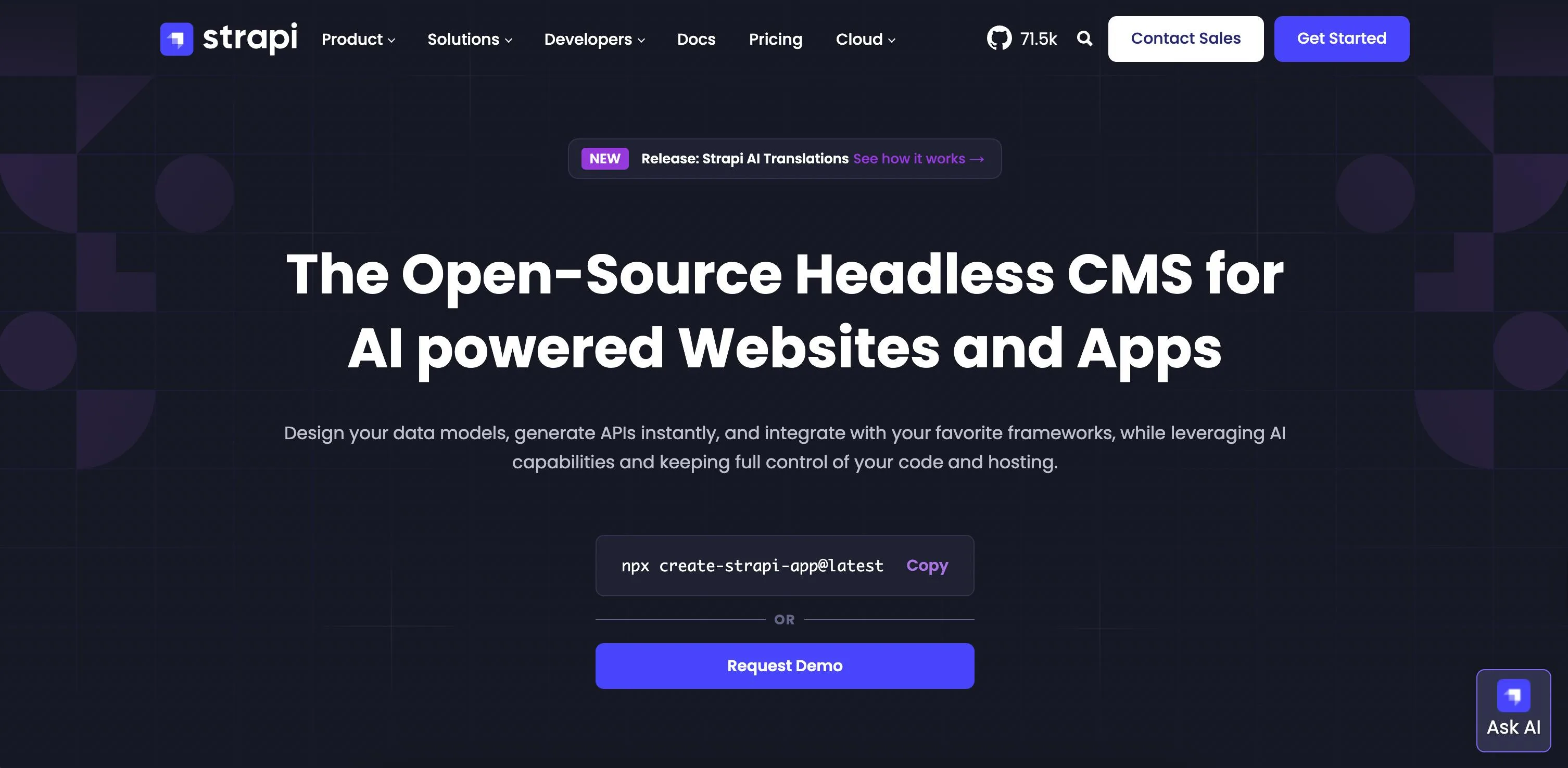
Strapi is an open-source headless CMS that gives development teams full control over their infrastructure, code, and hosting, while content managers can update and publish anytime.
Standout features
- Strapi marketplace: A hub for over 250 extensions and integrations created by Strapi, official partners, and the open-source community. It gives you ready-to-use tools for everything from cloud storage to email and beyond, helping you extend and customize your CMS to fit any use case.
- Strapi AI: Provide generative AI capabilities for drafting content types and components, creating alt text and captions for images, and handling translations across different locales.
- Content-Type Builder: Lets you design content structures and data relationships through a no-code interface, or by describing your needs in Strapi's AI chat, or uploading assets like Figma files and frontend code. Once your model is set up, Strapi instantly generates both REST and GraphQL APIs from it, with no manual API configuration required.
Benefits for Marketers
- Intuitive admin panel for content editing and publishing.
- 250+ marketplace plugins for extending workflows.
Benefits for Developers
- Full infrastructure control with self-hosting.
- REST and GraphQL APIs auto-generated from content models.
- Open-source and MIT licensed.
Limitations
- Hosting and managing Strapi yourself means you’re responsible for deployment, scaling, updates, and security, which can be tricky if you’re not familiar with DevOps.
- Non-technical users may find it hard to use advanced capabilities, as those require some level of coding knowledge.
- Strapi is developer-first, which means that getting started usually involves setting up your own instance via CLI or Docker rather than just logging in to a ready-to-use web interface like other CMSs, which can be tricky for non-technical users.
Pricing
- Community (Free)
- Growth ($45/month)
- Enterprise (Custom)
Resources
4. Contentful
Best for: multi-channel content delivery for enterprises
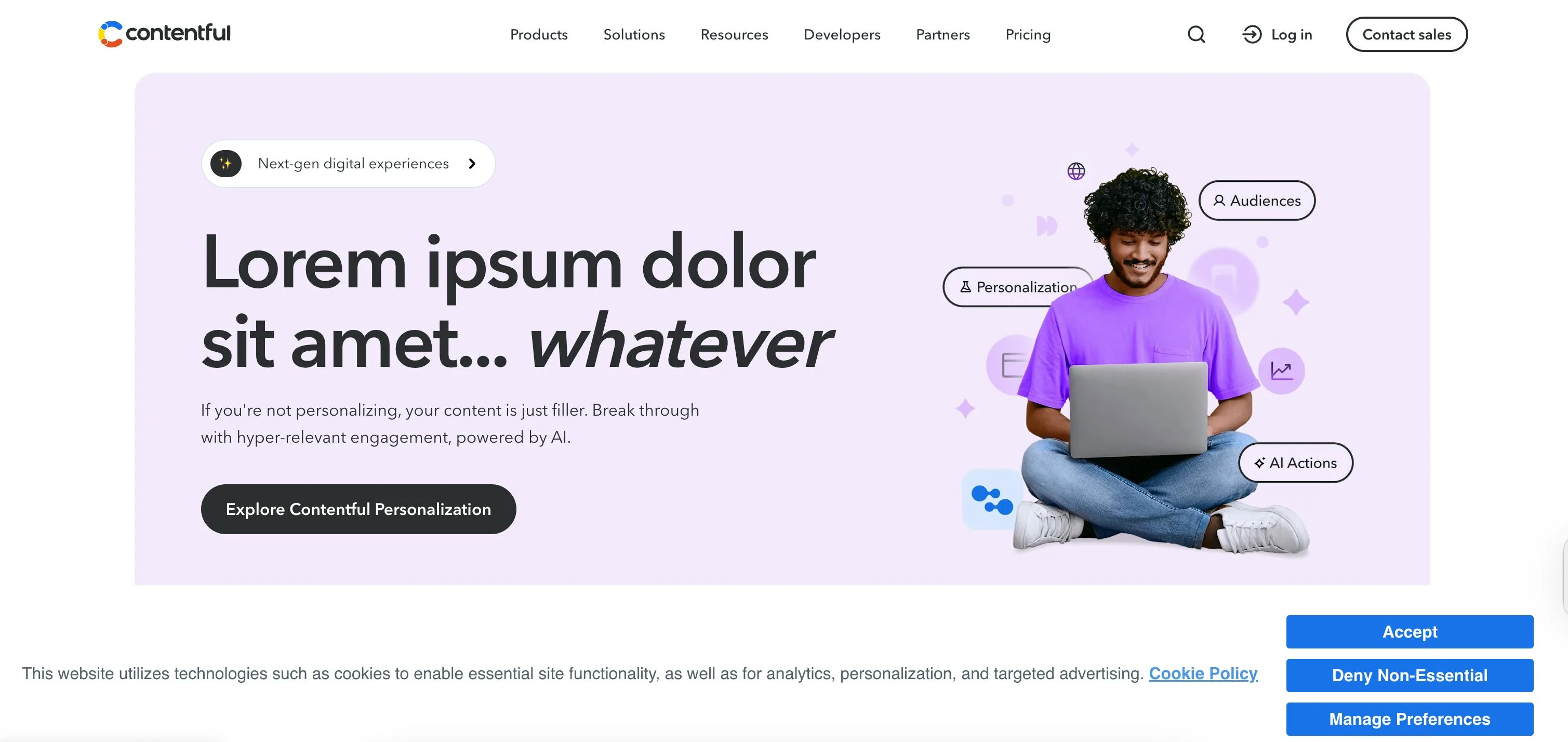
Contentful is a cloud-based digital experience platform (DXP) that helps teams, especially ones with enterprise needs, manage and deliver content across websites, apps, and other channels.
Standout features
- Contentful Personalization: A no-code tool that lets marketing teams build and deliver personalized content. You can connect your customer data, create dynamic segments, run A/B tests, and automatically serve the most relevant content across channels.
- AI Actions: A built-in AI layer that helps teams generate, update, translate, and optimize content at scale. You can choose which AI model powers the AI system’s actions.
- Contentful Studio: A visual editor for marketing and design teams to build and launch pages. Brand styles, layouts, and components are built directly into the editor, and any updates you make automatically appear everywhere.
Benefits for Marketers
- No-code personalization and A/B testing.
- AI Actions for bulk translation and content generation.
- Visual page building with Studio.
Benefits for Developers
- REST and GraphQL APIs.
- Flexible content modeling.
- Choice of AI model provider.
Limitations
- Contentful has a higher price tag than other headless CMSs.
- Contentful Studio, AI actions, and the personalization feature are only available as paid add-ons, and you can get them only if you’re on a premium custom plan first.
- Contentful is built for large organizations, so smaller teams or projects with straightforward content needs may find the platform complex and feature-heavy.
Pricing
- Free
- Lite ($300/month)
- Premium (custom pricing)
Resources
5. Hygraph
Best for: AI-powered workflows and automation
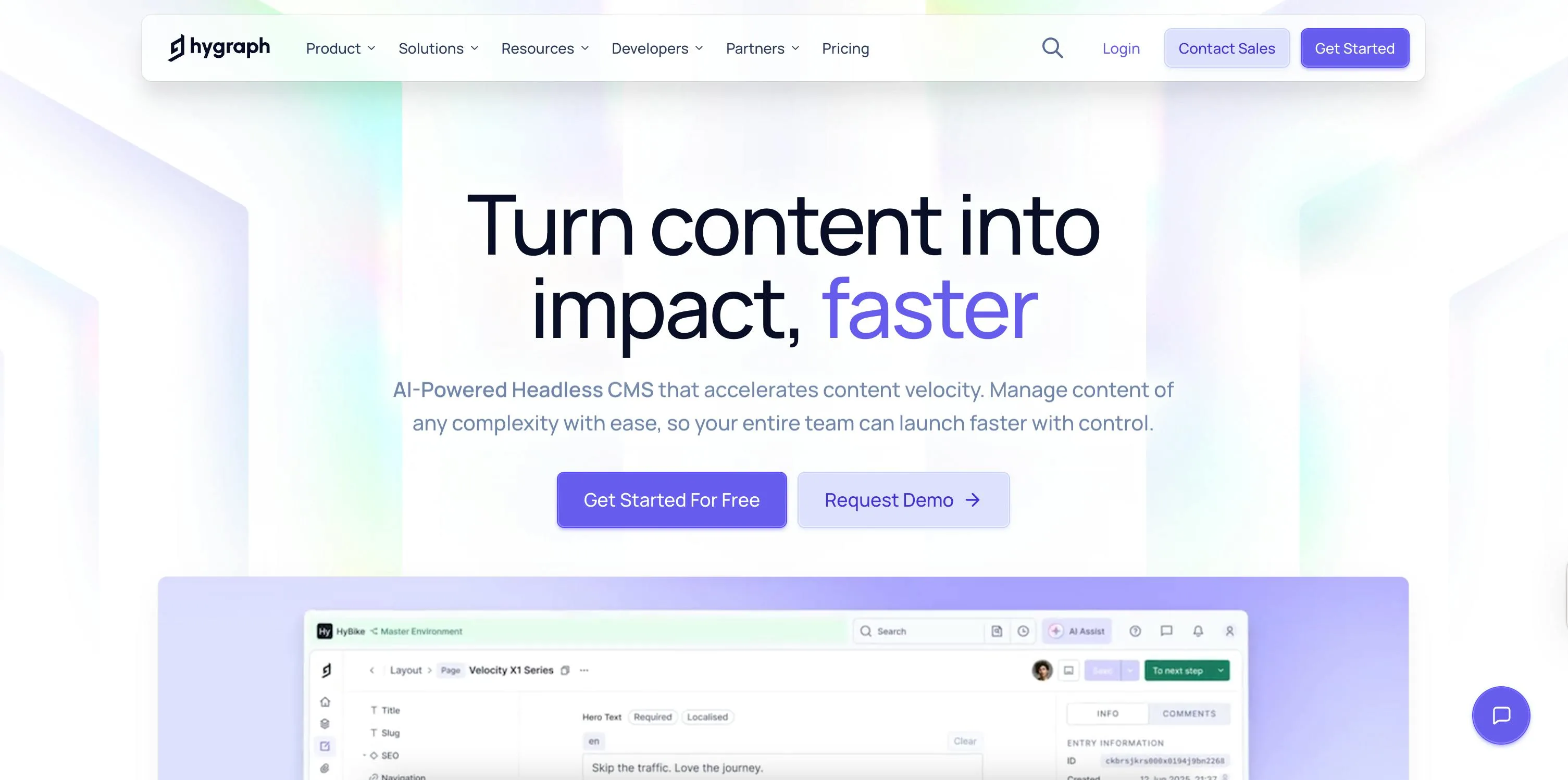
Hygraph is a GraphQL-native headless CMS, and that means it's designed around GraphQL and treats structured content like a graph.
Standout features
- AI assistant: Hygraph's in-editor AI tool for accelerating content creation directly inside the Studio. It works within your content model, so it understands your schema and generates structured, on-brand content in a single click.
- AI agents: Autonomous agents that handle repetitive content operations at scale. There are three agents: a translation agent that localizes entries, a summarization agent for condensing content, and an SEO and GEO agent that optimizes content for both traditional search and AI-powered search engines.
Benefits for Marketers
- AI agents for automated translation, summarization, and SEO/GEO optimization.
- In-editor AI Assist for fast content generation.
Benefits for Developers
- GraphQL-native architecture.
- Content federation via a single API endpoint.
Limitations
- Hygraph uses a GraphQL‑only API, which can be limiting for teams that prefer or require REST support alongside GraphQL.
Pricing
- Hobby (Free)
- Growth ($199/month)
- Enterprise (Custom)
Resources
6. Directus
Best for: database-first flexibility
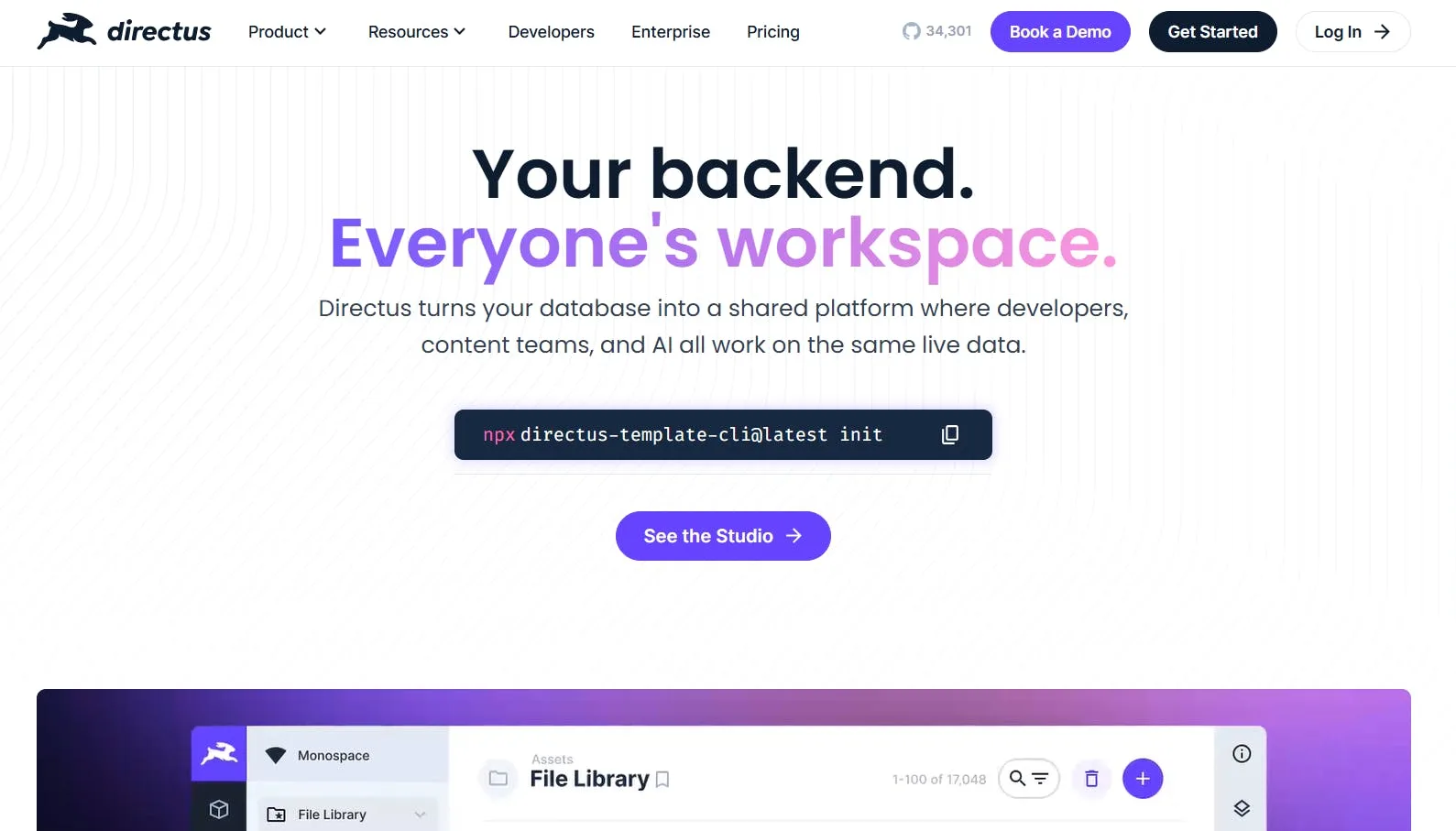
Directus is an open-source headless CMS that wraps directly around your existing SQL database, turning it into a collaborative backend with instant APIs and a visual workspace for your entire team.
Standout features
- Visual data modeler: Lets you define collections, fields, and relationships through an interface without touching your database directly. Your schema stays in your database; Directus just gives you a visual layer on top of it.
- SQL database support: Instead of forcing you to use its proprietary data layer, you can bring your own SQL database, like MySQL, PostgreSQL, MS SQL, or SQLite. You retain full control over your schema, can use raw SQL queries when needed, and can plug Directus into both new projects and existing databases without restructuring your data.
- Automation builder: Lets you build workflows that trigger on data changes, schedules, or manual input, and connect external services without writing code.
Benefits for Marketers
- Visual workspace for managing live data without code.
- Automation builder for workflow triggers.
Benefits for Developers
- Bring-your-own SQL database.
- Instant REST and GraphQL APIs.
- Fully extensible via custom endpoints, hooks, and modules.
Limitations
- Since Directus doesn't come with a managed content layer out of the box, you have to connect your own SQL database first, and setting up custom database connections adds some technical overhead.
Pricing
- Open License (Free — only for qualifying users)
- Professional ($99/month)
- Enterprise (Custom)
Resources
How to Choose the Best Headless CMS in 2026: factors to consider
These are only some of the best overall headless CMSs out there, and while this is a short list you can work with, you still have to pick one in the end.
Let’s review the core factors that matter when choosing a platform.
Considerations for developers
- API type: Check whether the CMS uses REST, GraphQL, or both. Your team’s familiarity and the complexity of your content model can make one API type a better fit than another.
- Customizability and extensibility: Evaluate how much you can extend the CMS with plugins or custom code
- Development workflow: How well does the CMS integrate with your local development environment and CI/CD pipelines?
- Performance and scalability: Consider API response times, CDN support, caching, and how the CMS handles large volumes of content.
Considerations for marketers
- Content workflow: The CMS should make it easy for non-technical team members to create, edit, and publish content without constant developer support.
- Visual editing and personalization tools: Can the platform let you manage content visually, while also delivering personalized experiences for different audiences?
- Localization and multi-channel support: Can the CMS handle multiple languages and deliver content consistently across all platforms and regions?
- Integrations: Check whether the CMS connects with the tools your marketing team already relies on, including email platforms, CRMs, analytics tools, ad platforms, and commerce systems. Native integrations save time; having to build custom connectors every time adds friction.
- Campaign support: Consider how well the CMS supports campaign execution, including ABM landing page generation, A/B testing, audience personalization, and ad-specific content variants.
General/other considerations
- Budget and pricing model: Compare subscription costs, enterprise pricing, and add-on or premium feature costs.
- Support and documentation: Ensure the CMS provides strong documentation and direct assistance that meets your pricing tier, if needed.
- Integrations: Check whether the CMS integrates with the tools your team uses, and whether there's a marketplace for apps and plugins.
Recap and next steps
We’ve covered some of the best headless CMS platforms to use in 2026, covering their key features, limitations, and pricing, and you now have a clearer idea of how to choose the right platform for your content management needs.
One of these options will likely be a good fit for your project needs, whether it's a marketing site, an ecommerce experience, a large-scale enterprise system, or something else.
If you’re a developer marketing team that needs to launch fast, branded websites and landing pages, optimize for AI search visibility, and give marketers the freedom to build and publish content independently, Prismic is built for that.
Future Trends: Headless CMS in 2026 and Beyond
Here are the key trends shaping headless CMS platforms in 2026 and beyond, showing where the industry is headed and what teams should watch for.
- AI is moving from a nice-to-have to a major part of headless CMS, helping with content creation, automated tagging, personalization, and speeding up workflows.
- Optimizing for AI search and GEO is becoming a key focus, which means that structured content and rich metadata are important for both people and AI agents.
- The market is growing fast and is expected to hit $26.66 billion by 2035.
FAQs
What is a headless CMS?
A headless CMS is a content repository that stores and manages your content separately from how it appears on your website or app. You create and structure content in the backend, then deliver it through APIs to any frontend you build.
Because it doesn’t control presentation, you’re free to use any framework or technology to set up the presentation layer. That separation is what makes it “headless.”
What is the difference between headless and traditional CMS?
The main difference is how content and presentation are handled.
A traditional CMS manages both in one system. You create content, and it’s displayed using built-in themes or templates.
A headless CMS separates those layers. You store content in the backend, fetch it using REST/GraphQL APIs, and deliver to your frontend. This approach offers greater flexibility and makes scaling easier.
What is the best headless CMS in 2026?
While there’s no universal winner, Prismic, Sanity, Strapi, Contentful, Hygraph, and Directus are all strong choices in 2026. The best option depends on factors like
• What you’re building.
• Who’s managing the content.
• How much control your developers need.
Prismic is a great option if you want a strong balance between developer flexibility and a smooth editing experience.
Which headless CMS is best for marketers?
For marketers, the ideal headless CMS lets you move quickly without constantly relying on developers.
• Visual drag-and-drop page builder
• Visual editing and previews
• Content scheduling and publishing workflows
• Localization support
• Role-based permissions
• SEO tools
Prismic addresses all these needs so marketing teams can move with speed. Its pre-approved slices let marketers build on-brand branded pages without waiting for developers, while still giving developers control over the technical structure.
You can copy, rearrange, and repurpose slices to speed up campaigns, test content strategies, and stay consistent across your website.
Which headless CMS is best for ecommerce?
Ecommerce can be complex because you’re managing product content, promotions, campaigns, and multiple channels all at once. You need a CMS that can deliver content quickly, stay flexible for different storefronts, and integrate seamlessly with your commerce systems.
Here are the features ecommerce teams should pay attention to.
• You need a CMS that lets you structure product and campaign content so it can be reused across multiple pages and channels.
• The CMS should deliver content through fast, reliable APIs so that pages load quickly and provide a smooth shopping experience.
• It should integrate easily with commerce platforms like Shopify, BigCommerce, or custom backends to keep product and pricing data in sync.
• Templates and reusable components are important because they let you launch new product pages or campaigns without starting from scratch each time.
• Personalization features help you show different content to different customer segments to increase engagement and conversions.
• Support for localization and multiple markets is essential if you’re selling in different regions with different languages or regulatory requirements.
• SEO tools built into the CMS help your product and landing pages rank better in search results.
Workflow and approval systems help your team manage seasonal launches and campaigns efficiently, without confusion or delays.
Several platforms on this list handle ecommerce well, depending on your setup. For example, Contentful is a strong fit for large-scale ecommerce operations that need robust personalization and deep integrations with commerce platforms, while Hygraph's content federation capability makes it particularly useful if your product data lives across multiple systems that need to be unified without a full migration.
Prismic is a strong choice for ecommerce teams that prioritize speed-to-market and campaign execution, because it combines developer flexibility with marketer-friendly tools. Developers can set up reusable slices for product pages, promotions, and landing pages, while marketing teams can quickly assemble, preview, and publish content without raising a ticket.
Which headless CMS is best for enterprises?
For enterprise needs, you want a platform that offers robust security, reliability, scalability, and strong governance while supporting multiple teams and markets. You can consider platforms like Contentful, Sanity, Prismic, or Strapi, which provide flexible content modeling, reliable API performance, and tools to manage complex workflows.
The right platform depends on the size of your content operation and the number of teams that need access.
Is a headless CMS better for SEO?
Yes. Using a headless CMS can improve your SEO rankings in several ways:
• Faster loading times: Because the frontend is separate from the backend, your site doesn’t have to process heavy CMS code on every request. Faster pages improve user experience and are a positive signal for search engines.
• Use of SEO-friendly technologies: You can build your frontend with SEO-friendly frameworks like Next.js or Nuxt.js.
• Full control over technical SEO: You can manage structured data, metadata, sitemaps, canonical URLs, and other on-page SEO elements exactly how you want.
• Better scalability for content: As your site grows, you can optimize page structure, lazy-load resources, and manage large content sets without slowing down performance.
• Access to your code for optimization: Since you control the frontend, you can tweak your code for even greater performance, fine-tuning load speed and user experience to boost SEO.
Are headless CMS platforms more expensive?
Not necessarily. Cost ultimately depends on several factors:
• The number of users
• The plan or tier you choose
• The amount of storage and API usage
• The resources and integrations your project requires
• The platform itself, as some are more expensive than others
Some providers, like Prismic, offer free forever plans that are ideal for small projects or testing, making it easier to get started without a large upfront investment.
Can small businesses use headless CMS?
Yes, headless CMSs are ideal for small businesses. However, it depends on the amount of resources you have.
One important thing to consider is development. A headless CMS requires a developer to build and maintain the frontend that connects to the CMS via APIs. That’s an upfront cost you wouldn’t deal with if you were using a traditional CMS.
Even so, that initial investment can pay off over time. As your business grows, your team expands, or you add new digital channels, a headless CMS is much easier to scale. You won’t need to rebuild your entire content system every time you redesign your site or adopt a new technology, which makes it a strong choice for long-term growth and future-proofing.
It’s also worth noting that some headless CMS platforms, like Prismic, offer free plans. That makes it easier to get started without large platform costs. This makes it easier for small businesses to manage expenses while still building on a flexible foundation.