Most headless CMS platforms are built with React and its meta-frameworks in mind first. But a growing number have made real investments in Vue by providing dedicated SDKs, Nuxt modules, or Vue-native tooling.
In this article, we’ll explore 7 of the best headless CMS for Vue in 2026, namely Prismic, Storyblok, Payload, Strapi, Sanity, Hygraph, and Directus.
TL;DR (key takeaways)
- Prismic, Storyblok, Payload, Strapi, Sanity, Hygraph, and Directus all support Vue and Nuxt to varying degrees.
- Prismic and Storyblok have the deepest Vue/Nuxt support, with dedicated Vue SDKs, Nuxt modules, and Vue-native composables.
- Payload has a useLivePreview composable for Vue 3 and Nuxt 3, but there’s no full Vue SDK and no Vue-specific docs beyond live preview.
- Strapi and Sanity don't have Vue SDKs, but the Nuxt team maintains dedicated modules for both.
- Hygraph is GraphQL-only, with no Vue SDK, but it explicitly supports Vue for Click to Edit and live preview.
- Directus wraps your existing SQL database and has a community-built Nuxt module, but no official Vue tooling.
State of Vue CMS Tooling in 2026 (honest assessment)
It's impossible not to mention Vue when asked about the top JavaScript frameworks. Over time, Vue has grown to have a large community and cemented its place in the web development ecosystem.
However, very few headless CMS vendors invest in it, and mostly direct their energy towards React. You’re more likely to see platforms with React, Next.js, or Remix integrations, with Vue support being limited to framework-agnostic clients that require some configuration.
Most Vue support comes from the Vue community rather than official SDKs provided by CMS vendors.
Let's get a clearer picture of the state of Vue CMS tooling in 2026 by exploring seven of the best headless CMS platforms for Vue and Nuxt developers.
The table below summarizes how each one stacks up before we dive into the details.
| CMS | Official Vue SDK | Official Nuxt module | Live preview | Starts from |
|---|---|---|---|---|
| Prismic | ✅ | ✅ | ✅ | $10/mo |
| Storyblok | ✅ | ✅ | ✅ | €90.75/mo |
| Payload | ❌ | ❌ | ✅ <br>(Client-side only) | Free |
| Strapi | ❌ | ❌ | ✅ <br>(Growth plan+) | $45/mo |
| Sanity | ❌ | ❌ | ✅ | $15/seat/mo |
| Hygraph | ❌ | ❌ | ✅ | $199/mo |
| Directus | ❌ | ❌ | ✅ | $99/mo |
Explore our headless CMS guides
Explore our headless CMS guides, which cover the subject matter in detail.
Best headless CMS platforms for Vue
1. Prismic
Best for: Nuxt teams that want a built-in page builder with a dedicated Vue SDK
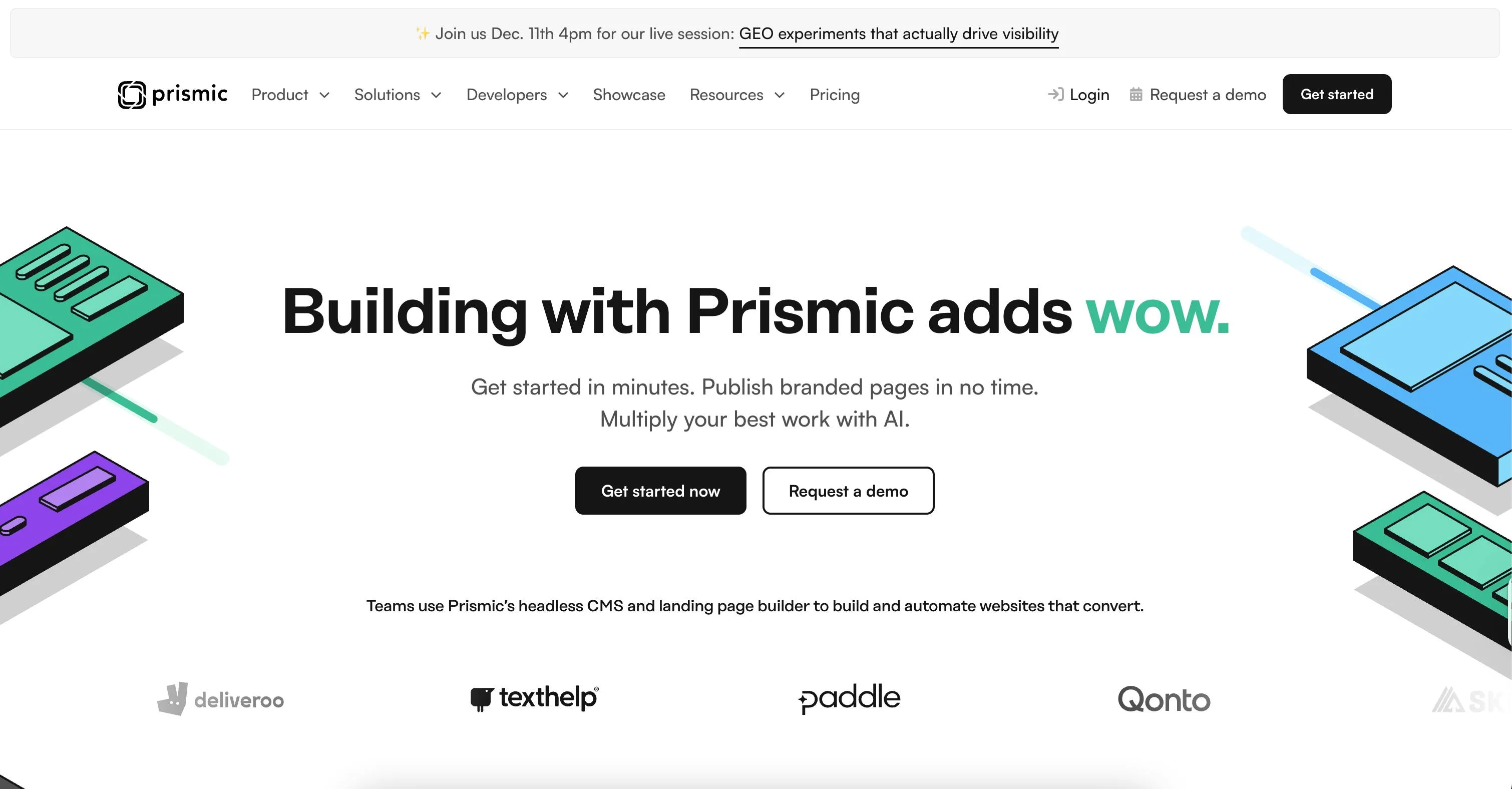
Prismic is a headless website builder built around a component-driven page builder, designed for teams that want developers and marketers working independently without stepping on each other.
Developers build pre-approved components using Slice Machine, and marketers use them to assemble and publish pages on their own.
Vue-specific strengths
- Ships
@prismicio/vue, a dedicated Vue SDK with ready-to-use components like<PrismicRichText>,<PrismicImage>,<PrismicLink>, and<SliceZone>. - In Nuxt projects, all components are auto-imported via @nuxtjs/prismic, so there's nothing to manually register.
- The
usePrismic()composable gives you direct access to the client andisFilledhelpers inside<script setup>. - Content fetching works through
usePrismic(), a composable that plugs naturally intouseAsyncData, which handles SSR, caching, and hydration the Nuxt way. - TypeScript types are generated per slice and page type, so your content responses are fully typed inside Vue components.
- Offers live preview works through a
/slice-simulatorroute and the<SliceSimulator>component, letting editors see real-time updates inside the Page Builder. - The Nuxt module handles route resolvers, preview setup, and i18n forwarding, all through
nuxt.config.ts.
Limitations for Vue developers
- Officially supports Nuxt only. Standalone Vue without Nuxt is community-supported, not officially maintained.
- Live preview and Slice Machine are tightly coupled, so you get the full experience only if you build around that workflow.
Pricing
- Free
- Starter ($10/month)
- Small ($25/month)
- Medium ($150/month)
- Platinum ($675/month)
- Enterprise (Custom)
Resources
2. Storyblok
Best for: Vue and Nuxt teams that want a component-based Visual Editor with native Vue support
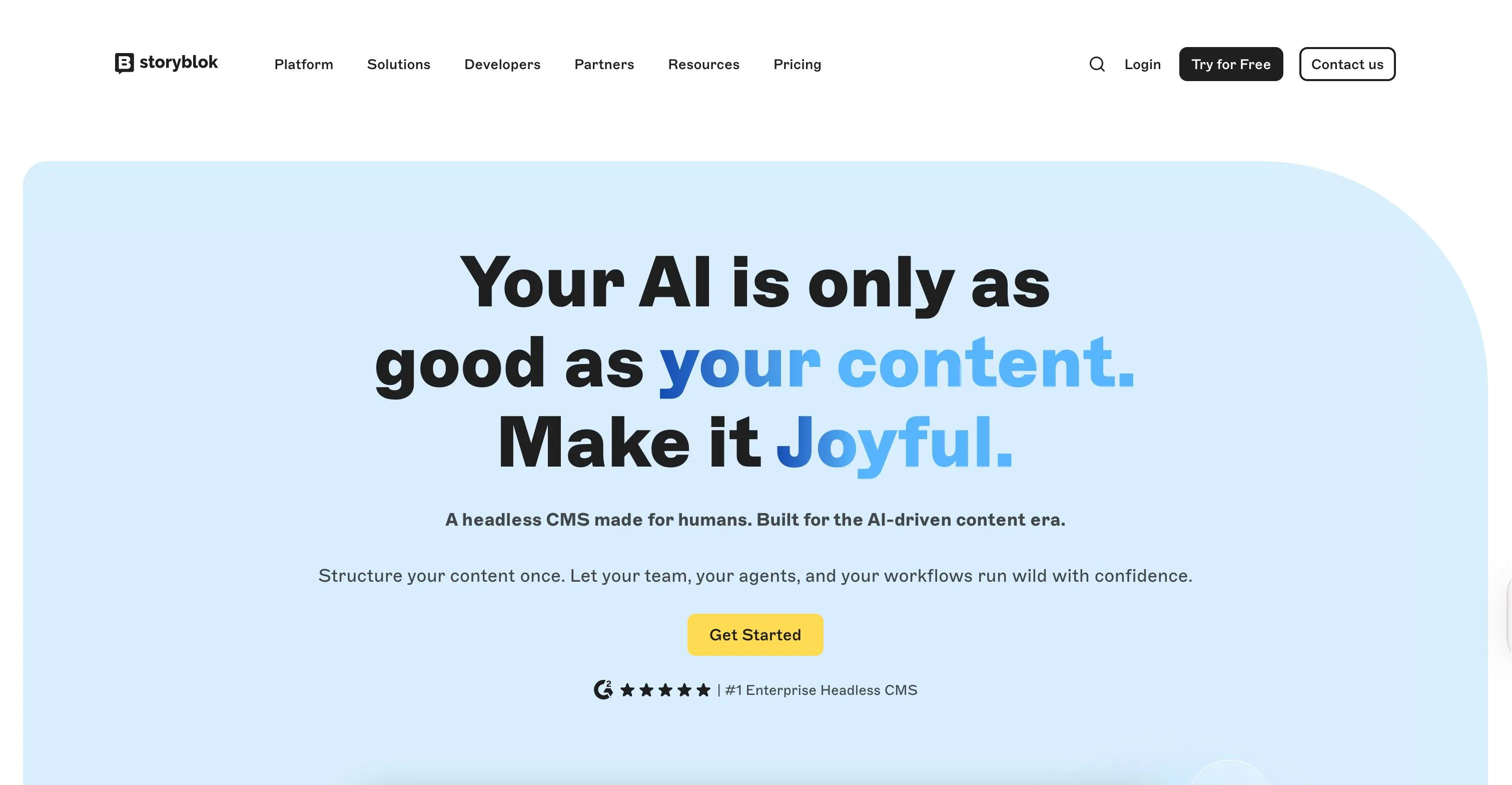
Storyblok is a headless CMS built around a component-based Visual Editor, where developers define reusable content blocks, and editors assemble pages through a drag-and-drop interface with real-time preview.
Vue-specific strengths
- Ships
@storyblok/vue, a dedicated Vue 3 SDK that registersStoryblokVueas a Vue plugin, giving youStoryblokComponent,useStoryblok, anduseStoryblokApicomposables out of the box. StoryblokComponentdynamically renders blocks by matching block names to registered Vue components, eliminating the need for manual routing between content and components.- For Nuxt,
@storyblok/nuxtregisters as a Nuxt module, makinguseAsyncStoryblokandStoryblokComponentavailable as auto-imports across the project — no manual registration needed. - In Nuxt, Vue components placed in the
/storyblokfolder are automatically imported and mapped to their Storyblok block names. - The
v-editabledirective connects any Vue component directly to the Visual Editor, enabling real-time field updates without a page reload.
Limitations for Vue developers
- No built-in TypeScript type generation for content models, so you need a third-party tool like
storyblok-generate-tsor manual type definitions. @storyblok/nuxtv9 dropped support for Nuxt 3's older data handling patterns, so upgrading from earlier versions requires some migration work.
Pricing
- Starter (Free)
- Growth (€90.75/mo)
- Growth Plus (€319.91/mo)
- Premium & Elite (Custom)
Resources
3. Payload
Best for: Vue developers who want a code-first CMS and don't mind the extra setup work
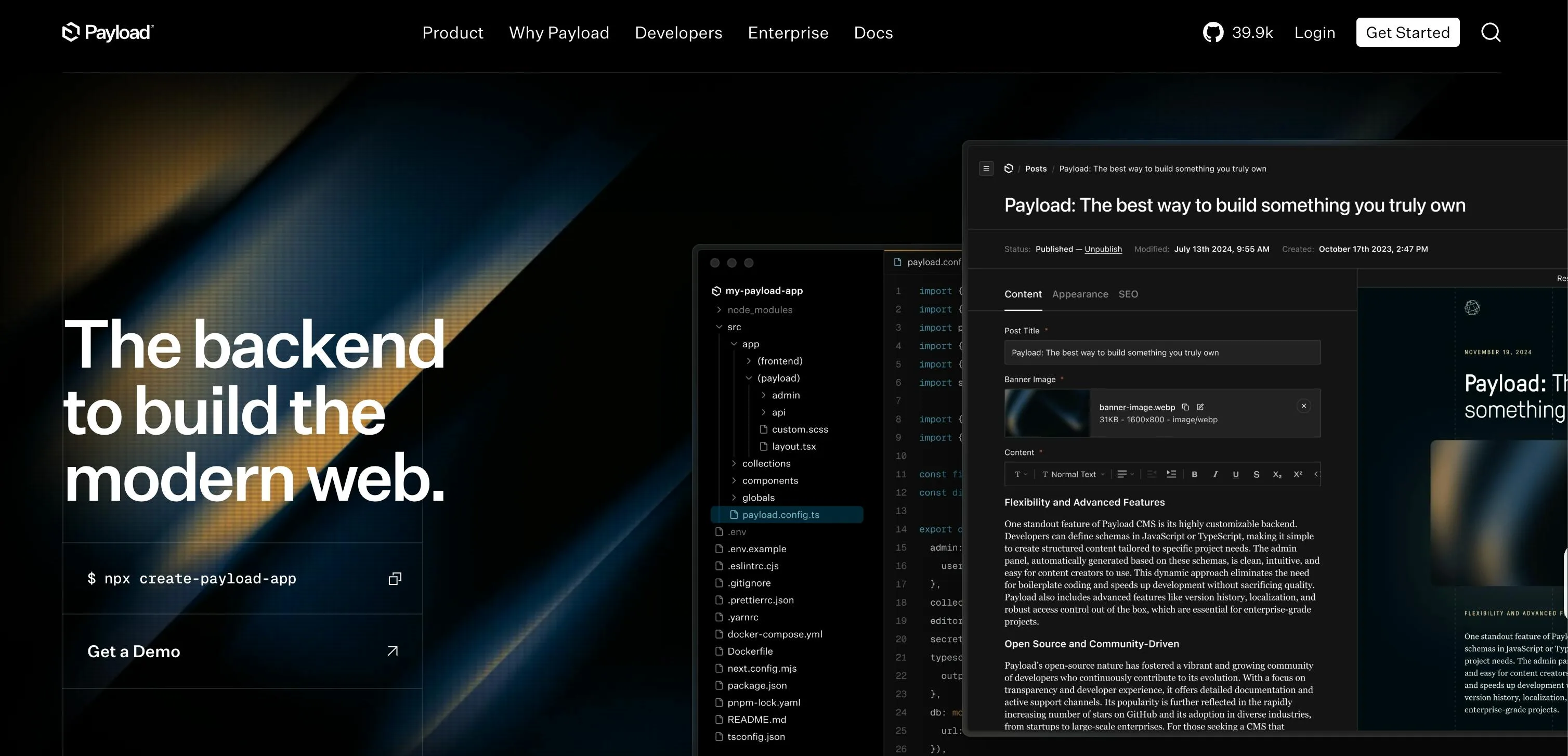
Payload is an open-source, code-first headless CMS where you define your content schema in code and it generates a full admin panel and API on top of it, so you don’t need a separate backend.
Vue-specific strengths
- Provides
@payloadcms/live-preview-vue, a dedicated package that gives Vue 3 and Nuxt 3 projects auseLivePreviewcomposable for client-side live preview. - The REST and GraphQL APIs are fully framework-agnostic, so Vue developers can use any data fetching pattern they're already comfortable with, including
useFetchanduseAsyncDatain Nuxt. - Payload is fully TypeScript-native, so the content types you define in your config can be used directly in your Vue components with no extra type-generation step.
Limitations for Vue developers
- There’s no dedicated Vue SDK, which means there’s more setup work compared to platforms that ship Vue-native composables or components.
- Payload only officially supports React for server-side live previews. Vue and other frameworks are limited to client-side live preview for now.
- Payload is a Next.js-first CMS. There are no Vue or Nuxt starter templates, no Vue integration guide in the docs, and no Vue-specific documentation beyond the live preview page.
Pricing
- Free (Open source)
Resources
4. Strapi
Best for: Vue teams that want an open-source, self-hostable CMS
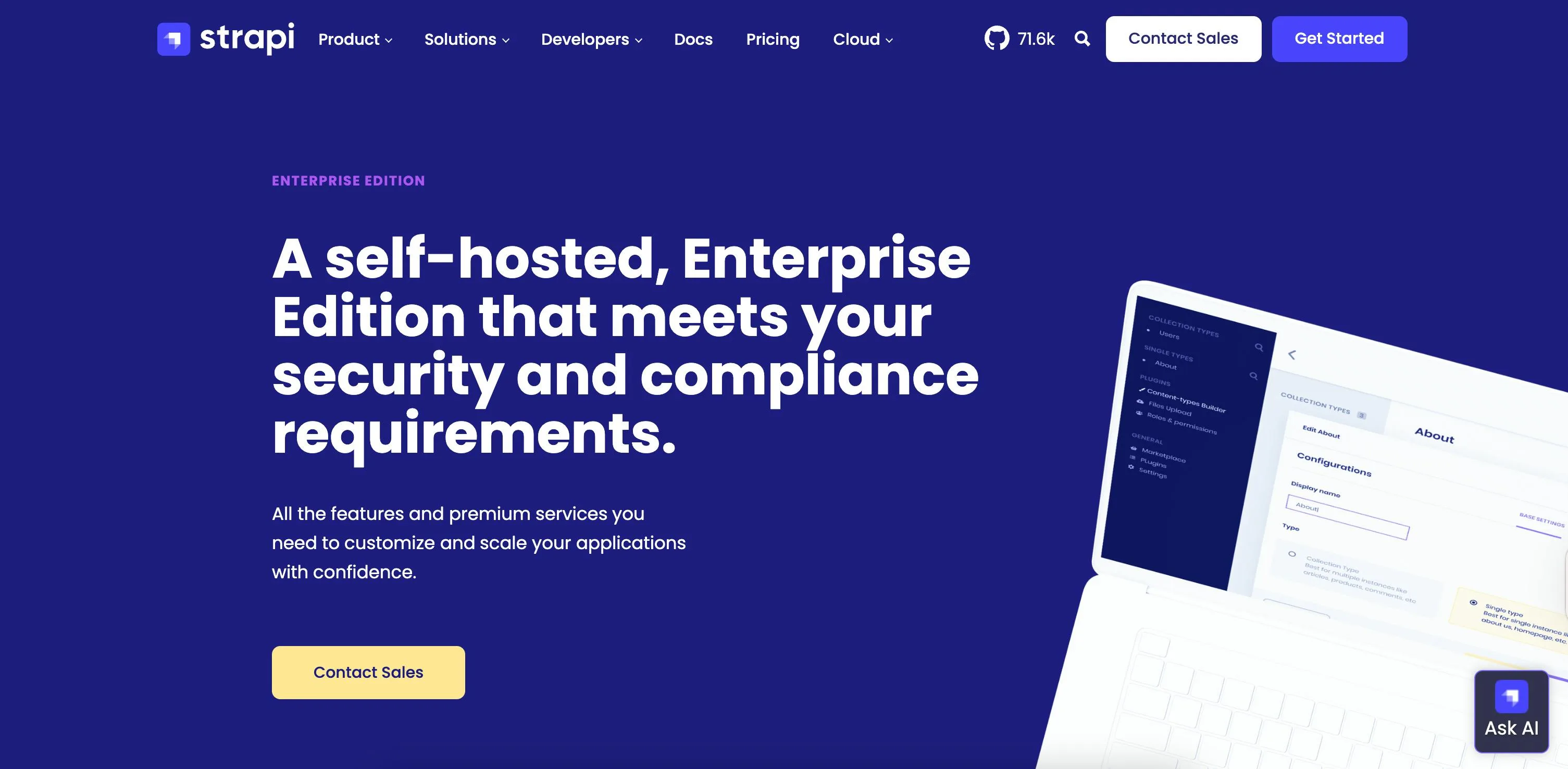
Strapi is an open-source headless CMS that lets you design your content models and generate REST and GraphQL APIs instantly, without writing backend code.
Vue-specific strengths
- REST and GraphQL APIs are framework-agnostic, so you can use
useFetchoruseAsyncDatain Nuxt without any adapter layer. - The Nuxt team created @nuxtjs/strapi, a dedicated Nuxt module that gives projects auto-imported composables, Strapi devtools integration, built-in authentication via
useStrapiUser, TypeScript support, and error handling hooks. - Live preview works with Nuxt through its native preview mode.
Limitations for Vue developers
- There’s no dedicated Vue or Nuxt SDK.
@nuxtjs/strapiis maintained by the Nuxt team, not Strapi, which means updates depend on the Nuxt team's priorities and may not keep pace with new Strapi releases.
Pricing
- Community (Free)
- Growth ($45/month)
- Enterprise (Custom)
Resources
5. Sanity
Best for: Nuxt teams that need structured content with visual editing and typed queries
Sanity is a headless CMS built around structured content, where your schema lives in code, and your content is stored in a hosted Content Lake you can query with GROQ.
Vue-specific strengths
- There’s @nuxtjs/sanity, a dedicated Nuxt module built by the Nuxt team that handles client configuration, data fetching, and visual editing setup directly in
nuxt.config.ts. @nuxtjs/sanitycomes with auseSanityQuerycomposable that works natively with Vue's<script setup>and supports TypeScript generics for typed content responses.@nuxtjs/sanitysupports visual editing, which you can configure directly innuxt.config.tsvia thevisualEditingoption.- TypeScript type generation is built into the module via the
typegenoption innuxt.config.ts. It reads your Studio schema and.vuefile paths to automatically generate typed GROQ query responses.
Limitations for Vue developers
- There's no dedicated Vue SDK for standalone Vue projects, so the framework-agnostic
@sanity/client. - Is the only option if you're not using Nuxt and
@nuxtjs/sanity. - GROQ is Sanity's proprietary query language. Vue developers coming from REST-based CMSs will need to learn it before they can fetch content effectively.
Pricing
- Free
- Growth ($15/month/per seat)
- Enterprise (custom)
Resources
6. Hygraph
Best for: Vue teams already comfortable with GraphQL and content federation
Hygraph is a GraphQL-native headless CMS that's API-first by design, with content federation built in so you can pull data from external sources without duplicating it across your project.
Vue-specific strengths
- You can use nuxt-graphql-client, a community-built Nuxt module, to handle GraphQL codegen for Hygraph queries. Drop your
.gqlfiles in a queries folder, and it auto-generates typed helper functions likeGqlPages()andGqlPage(). - Hygraph works as a native image provider in Nuxt via
@nuxt/image. You point it at Hygraph's asset CDN innuxt.config.ts, and Nuxt handles the rest. - Live preview works through a Nuxt plugin that watches for a
?preview=truequery param and exposes a$previewvariable across all components. - There's explicit Vue support for Click to Edit alongside React, Next.js, and Remix.
Limitations for Vue developers
- Hygraph doesn’t provide a dedicated Vue or Nuxt SDK.
- GraphQL is the only query option, which means that there's a learning curve if you're coming from a REST-based CMS.
Pricing
- Hobby (Free)
- Growth ($199/month)
- Enterprise (Custom)
Resources
7. Directus
Best for: Vue teams that want to build a CMS on top of an existing SQL database
Directus is an open-source headless CMS that wraps around your existing SQL database and instantly generates REST and GraphQL APIs on top of it. Developers keep full control of their database and schema while content teams get a visual workspace to manage data without touching code.
Vue-specific strengths
- The
@directus/sdkis a composable client that works naturally in Nuxt. You wrap it in a Nuxt plugin, and it's available across all pages and components viauseNuxtApp(). - The SDK supports TypeScript out of the box. You define a
DirectusSchemainterface and pass it tocreateDirectus<Schema>()for typed content responses in your.vuefiles. - Members of the Nuxt community created nuxt-directus, a module that handles authentication, REST methods, and TypeScript support out of the box, so you're not limited to the manual plugin setup
Limitations for Vue developers
Pricing
- Free (Open source)
- Cloud ($99/month)
Resources
Vue 3 + Headless CMS: Patterns Worth Knowing
Once you've picked a CMS, how you integrate it matters as much as which one you choose. These are the patterns that tend to save Vue and Nuxt developers the most time.
Wrap your CMS client in a composable
Instead of calling your CMS SDK directly inside components, wrap it in a composable. This keeps your components clean and gives you a single place to handle errors, auth tokens, and toggling preview mode.
// composables/useCms.ts
export const useCms = () => {
  const client = usePrismic() // or useStoryblokApi(), $directus, etc.
  return { client }
}
Use useAsyncData for SSR-safe fetching
In Nuxt, always wrap CMS calls in useAsyncData rather than calling the client directly in <script setup>. This handles SSR, client-side hydration, and caching automatically, and prevents duplicate requests on page load.
const { data: page } = await useAsyncData('home', () =>
  client.getByUID('page', 'home')
)
Handle preview mode separately
Preview mode typically means fetching draft content from a different API endpoint or stage. Keep that logic out of your components. A Nuxt plugin or middleware that reads a ?preview=true query param and sets a global state variable is cleaner than adding preview checks across every page.
Keep your content schema simple
The more complex your content model, the harder it is to query and render. Start with flat structures and only introduce nested or relational content when you actually need it. This is especially important in Nuxt SSR, where deeply nested queries can slow down page load.
Recap and next steps
In this article, we've explored seven headless CMS platforms that Vue and Nuxt developers can realistically build with in 2026: Prismic, Storyblok, Payload, Strapi, Sanity, Hygraph, and Directus.
Each one takes a different approach to content management, and each has a different level of investment in the Vue ecosystem.
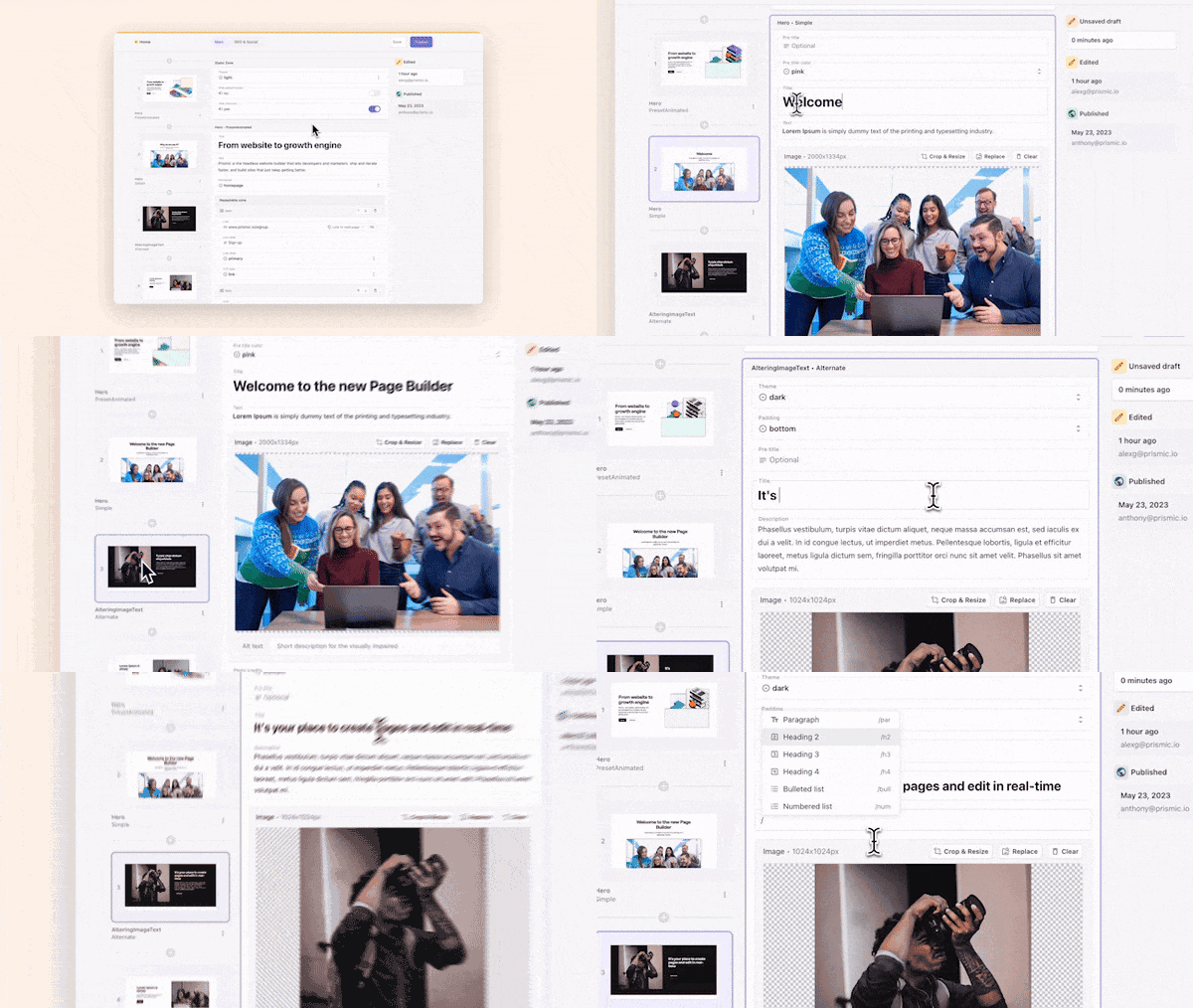
If you need a CMS with a dedicated Vue SDK, a Nuxt module, and a built-in page builder that marketers can use independently, explore Prismic.
You can get started with Prismic for free, explore the platform at your own pace, or book a demo with our product experts for a more guided experience.
FAQs
What is the best headless CMS for Vue in 2026?
The best headless CMS platforms for Vue in 2026 include Prismic and Storyblok, which both provide dedicated Vue SDKs, official Nuxt modules, and Vue-native composables that plug naturally into useAsyncData and <script setup>.
There's also Payload, which has a dedicated useLivePreview composable for Vue 3 and Nuxt 3 via @payloadcms/live-preview-vue.
Beyond these, you can also use Strapi, Sanity, Hygraph, and Directus. They don't have Vue or Nuxt-native SDKs, but there are open-source, community-created modules like @nuxtjs/strapi, @nuxtjs/sanity, nuxt-directus, and nuxt-graphql-client that make it easier to use them in your Vue projects.
Which headless CMS platforms have an official Vue SDK?
Many platforms offer a generic JavaScript client that works with any framework, but the following provide dedicated Vue SDKs.
• Storyblok: @storyblok/vue is a proper Vue SDK. It includes StoryblokComponent, the v-editable directive, composables like useAsyncStoryblok, and rich text rendering.
• Prismic: @prismicio/vue ships Vue components (<PrismicRichText>, <PrismicImage>, <SliceZone>) and a createPrismic() plugin. However, Prismic only officially guarantees support for Nuxt. Standalone Vue is community-supported, not officially maintained.
• Payload — ships @payloadcms/live-preview-vue with a useLivePreview composable for Vue 3 and Nuxt 3, but this covers only the live preview. There's no full Vue SDK for fetching content.
What does "Vue-ready" mean for a headless CMS?
A Vue-ready headless CMS is one that:
• Has an official Vue SDK or Nuxt module, instead of a generic JavaScript client.
• Works cleanly with the Composition API and composables like useAsyncData and useFetch.
• Supports SSR and SSG without hydration issues in Nuxt.
• Has live preview tooling that works in Vue.
• Ships TypeScript types that fit naturally into a Vue or Nuxt project.
• Has Vue-specific documentation.
Is Vue well-supported by headless CMS vendors compared to React?
No, Vue is not as widely supported as React. React, and its meta-frameworks like Next.js and Remix, are the default assumption for most vendors.
In the best case, Vue gets a dedicated Nuxt module and composables. In the worst case, all you have is a generic JavaScript client.
That said, platforms like Storyblok and Prismic provide strong support for Vue, with dedicated SDKs, Nuxt modules, and Vue-native tooling.
Which headless CMS supports live preview in Vue or Nuxt? — If I don’t cover these when reviewing each section, then come back and add the links
Below are some headless CMS platforms that support live previews in Vue/Nuxt.
• Prismic: live preview works through @nuxtjs/prismic and a /slice-simulator route.
• Storyblok: the Visual Editor is built around components. You add v-editable to your Nuxt components, and changes show up instantly.
• Payload: ships a dedicated Vue package for live preview. If your frontend is built with Vue 3 or Nuxt 3, you can use the useLivePreview composable from @payloadcms/live-preview-vue.
• Strapi: Live preview works with Nuxt without framework-specific configuration. The setup uses a ?preview=true query param and a Nuxt plugin to switch between published and draft data. Basic preview is free. The side-by-side editing experience requires higher plans.
• Sanity: Handles live preview through its Presentation tool and @nuxtjs/sanity module. Editors can see draft content render as they make changes, and click any element to jump to the right field.
• Hygraph: Supports live preview for Vue and Nuxt through its Preview SDK, and its Click to Edit feature works the same way as Sanity's.
• Directus: Has a dedicated live preview setup guide for Nuxt with its own documentation. You configure a preview URL in the data model settings and handle the ?preview=true param in a Nuxt plugin. You'll also need to set CSP headers so Directus can load your app in an iframe.
What should Vue developers look for when choosing a headless CMS?
-
A Nuxt module or Vue-native SDK. A generic REST API works, but it means more wiring on your end. A proper Nuxt module gives you auto-imported composables, SSR-safe data fetching, and less boilerplate out of the box.
-
SSR and SSG compatibility. Some CMS SDKs assume browser-only execution and break during SSR. Your CMS client needs to work in both server and client contexts without hydration mismatches.
-
Composition API support. You want a CMS that fits naturally into useAsyncData, useFetch, and composable patterns, not one that hands you back a class-based client that clashes with Vue 3 conventions.
-
Live preview that actually works with Vue. Some platforms with previews only have tooling for React or Next.js. Check whether the preview SDK has Vue-specific docs or is just a generic iframe.
-
Typed content responses. If you're on TypeScript, a CMS with generated types or a TypeScript-friendly SDK will save you a lot of debugging time.