Scroll animations are a great way to add depth and interactivity to web pages. When done right, they can capture your users’ attention and boost retention.
This article showcases 50 CSS animations that turn scrolling—a simple, everyday action—into an opportunity to delight users and communicate your values and ideas in a visually compelling way.
Let’s dive in.
CSS scroll-based parallax animations
1. Parallax background
The parallax background animation by Misala applies a parallax effect to a nature scene, making it come alive.
2. Parallax scroll demo
The parallax scroll demo by Joncousins applies the effect to six layers.
3. CSS-only parallax scrolling
Parallax scrolling by John Smith is yet another take on the parallax effect in action.
4. CSS parallax scroll
Parallax scroll by Emma Trayanova is another solid example of the parallax effect.
5. CSS-only parallax scroll
CSS scroll-based sticky effects
6. Sticky full page slides
16. Sticky full page slides
The sticky full-page slides animation by Laurits has a scroll + parallax effect, in which the different pages snap into and out of view as the user scrolls.
7. Sticky section layout
The sticky section layout by Misala features two effects: parallax and a sticky sidebar. As you scroll down, the sidebar remains fixed. This type of effect is commonly used for elements like table of contents in blogs.
8. Sticky stacking on scroll
The sticky stacking effect by Misala showcases six cards stacked on themselves. You’ll notice a bouncing effect occurs as you scroll.
9. Responsive sticky header navigation
The responsive sticky header navigation by MarcLibunao features a navigation menu that appears on scroll and sticks in place at the top of the page.
10. Responsive sticky sidebar
The responsive sticky sidebar by Dareen showcases a sidebar that remains fixed in place while scrolling up or down the page.
11. Sticky parallax sections
Ryan Mulligan’s sticky parallax section combines the sticky and parallax sections, causing the background images to momentarily hook when scrolled into view.
12. Sticky navigation with smooth scrolling
The sticky navigation with smooth scrolling by Praveen Bisht features a sticky navigation that shrinks when you scroll down and expands when you scroll back up. It’s a small but fun interaction that can improve the UX of a website.
13. Stacked cards effect
The stacked cards effect by Hugo Salazar applies a sticky effect to a group of cards.
14. GSAP stacked cards
Another stacked card effect by Hugo Salazar that’s sure to make your content “stick” 😉. Only that this pen is powered by GSAP.
CSS text scroll animations
15. Slice slider
The slice slider effect by Stephen Scaff causes different copies to slide into view as you scroll up or down the page.
16. 3D spatial scroll zoom
The 3D spacial scroll zoom effect by Adam Argyle makes it feel like you’re entering into the screen as you scroll. It's a mesmerizing and engaging effect.
17. CSS scroll animation
Jazz Peh’s CSS scroll animation features groups of text with different backgrounds that slide into view as you scroll down and slide out of view when scrolling back up.
18. Text scroll on reveal effects
The text scroll on reveal effects by Ana Tudor applies seven types of effects to seven different copies on scroll, giving you different options to choose from.
19. CSS scroll-triggered animation with style queries
CSS scroll-triggered animation with style queries by Ryan Mulligan applies scale-up and gradient effects to text as you scroll.
20. Scroll-driven fade-in
The scroll-driven fade-in effect by Michael applies a fade-in effect to text and images on scroll.
21. CSS text scroll animation
The text scroll animation by Ssonko Jimmy causes some text to fade and tilt into view on scroll.
22. Duplicate text scroll animation
Mias’s text animation starts with some text that duplicates on page load. The text splits in two as you scroll down, only to come back together when you scroll up.
23. Scroll-based animation
The scroll-based animation by Johnson5409 features different text that scales and fades into view on scroll.
24. Marquee page border
The marquee page border by Ryan Mulligan uses some text to create a marquee border. The border text moves clockwise or counterclockwise as you scroll up and down the page; the text moves clockwise or counterclockwise, respectively.
CSS image scroll animations
25. Zoom and blur background image
The zoom and blur background image by Zach Richard causes the background image to blur and zoom out of view as you scroll. The degree of the effect is controlled by how far up or down you scroll.
26. GSAP ScrollTrigger image zoom
The GSAP ScrollTrigger image zoom by Misala is an interesting scroll effect that adds 3D depth to the background image, making it feel real and immersive.
27. CSS inverted reveal scroller 📜
The inverted reveal scroller by Jhey causes images to slide up or down into view (depending on your direction) as you scroll through the page.
28. Slider transitions
The slider transitions effect by Mirko Zorić features images and text that smoothly transition into view on scroll.
29. CSS scroll animation with subgrid
The scroll animation with subgrid causes a grid of images to appear on scroll.
30. Scroll image effect
Bokoko33’s scroll image effect applies a glitchy, wave-like effect to images on scroll. The intensity of the effect depends on the speed at which you scroll.
31. Image transition on scroll
Image transition on scroll by Yugam applies a unique effect to images on the page and is delightful to look at.
32. Multi-filters
The multi-filters effect by Dominic Suter applies different filters to an image as you scroll through different sections of the page. It's a great showcase of how CSS filters affect the appearance of images.
33. Sky scroll animation
The sky scroll animation by Magnificode applies a mask effect to a “SKY” text and splits the image on scroll.
34. horizontal parallax gallery
The horizontal parallax gallery effect by Paulina Hetman applies horizontal scroll to an image gallery. There’s also a slight shift and change in color that occurs when you hover over the images.
Some more CSS scroll animations
35. Eye scroll
Rem’s eye scroll animation features eyes that rotate as you scroll through the page. The background color of the page also changes on scroll.
36. Changing background color while scrolling
This scrolling effect by JP Nothard changes the page's background as you scroll vertically.
37. Full-screen navigation bar
The full-screen navigation bar by Andrej Sharapov has different effects based on the direction of scroll.
- Vertical scroll: Features a sidebar with text that becomes clear as you scroll. It also includes a background image and a picture of a plane that moves through the screen
- Horizontal scroll: This version doesn't have a sidebar. However, all elements move through the screen on hover
38. Scroll-driven scroll-snapping animations
The scroll-driven scroll-snapping animation by Giana features five sections that transition from one to another on scroll. It has four scroll modes: blink, horizontal, backward, and zoom, each with a different type of transition.
39. Curved SVG background animation
The curved SVG background animation by Arman uses an SVG to create a curved background as you scroll.
40. Change background color with GSAP ScrollTrigger
This background scroll effect uses a sprinkle of JavaScript, specifically the GSAP library, to create this animation. It changes the page's background color on scroll and applies a parallax effect to the text.
41. Masthead webpage
The masthead webpage animation by Andrej Sharapov is a creative playground with various effects triggered on scroll. It includes text effects, progress bars, and more.
42. Highlight text
The highlight text effect by Ryan Mulligan highlights different parts of a writeup as you scroll. It provides three styles of highlights: background, half, and underline.
43. Reading indicator
The reading indicator effect by Hugo Salazar creates a progress bar on scroll.
44. Scroll reveal effect with intersection observer
The scroll reveal effect by Higo Salazar is a take on the classic scroll effect where different sections of a page fade into view as you scroll through.
45. Airplanes
Airplanes by Steve Gardner takes things to the next level. It’s difficult to describe — you just have to see it yourself!
46. ScrollifyJS + AnimateCSS + CSS flexbox
This pen by Zeindelf showcases various types of animations for you to choose from.
47. CSS scroll bars
CSS scroll bars by Ghost Rider features four tubes, think fluid in a pencil, with its content going up or down as you scroll.
48. 3D CSS scroll
3 D CSS scroll by Shaw creates a 3D-edge effect with alternating tiles.
49. CSS shadow on scroll
Temani Afif’s scrolling shadow applies a shadow to the top and bottom of a container on scroll.
50. CSS timeline animation
Ryan Timble’s timeline animation showcases a timeline element. As you scroll down the page, the different moments of the timeline transition into view.
CSS scroll animation tools and libraries you should know
Animate on scroll (AOS)
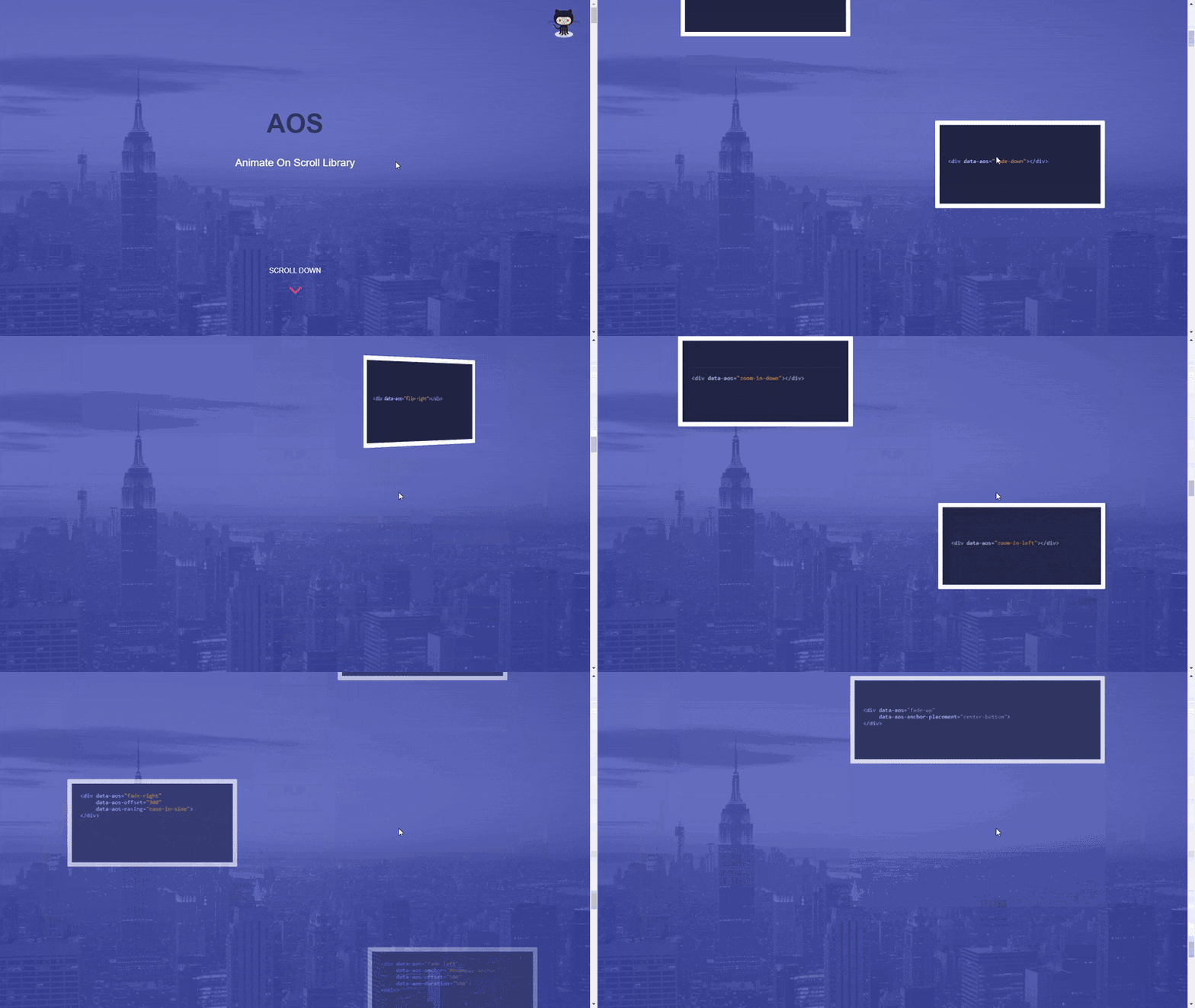
AOS is a lightweight JavaScript library that allows you to add animations to elements as they scroll into view on a webpage. This enhances user experience by making web pages more interactive and engaging.
AOS’ scroll animations cut across 4 categories: fade, flip, slide, and zoom. There are over 20 animations in total.
GSAP’s scroll plugins
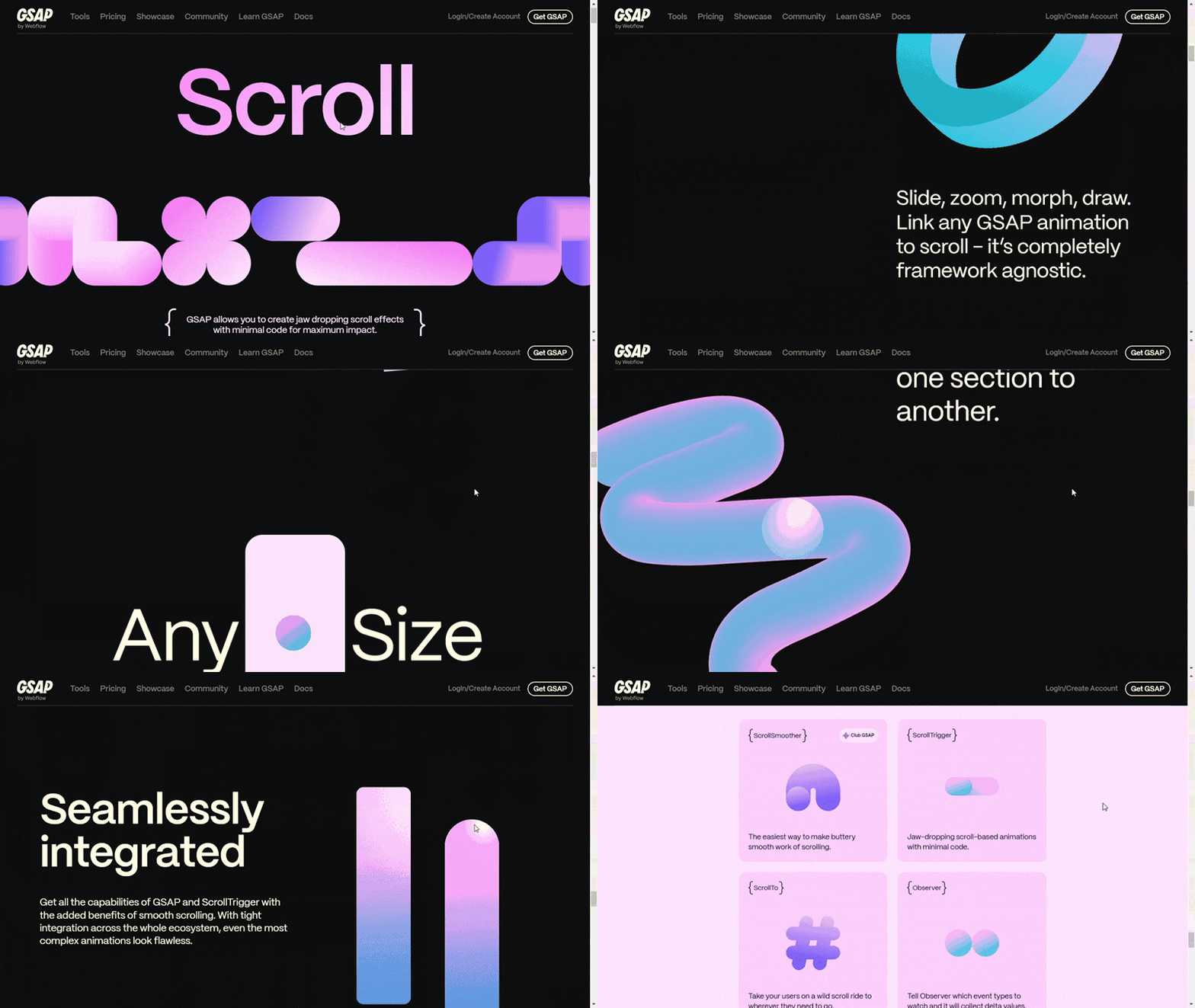
GSAP offers the following scroll plugins:
- ScrollTrigger allows you to create animations that respond to the user's scroll position. It can trigger animations when elements enter or leave the viewport, synchronize animations with scrolling, and pin elements during scroll.
- ScrollSmoother uses the browser's native scroll behavior to create smooth scrolling effects. It allows for parallax effects, where elements move at different speeds during scroll, and lag effects, where elements take time to "catch up" to the scroll position.
- ScrollToPlugin allows you to create link-based animations where users scroll to specific positions or elements on a webpage when links are clicked.
- Observer detects various user interactions, like scrolling, dragging, or swiping. You can use it to create animations or effects that respond to these actions. For example, you can set up an animation to play when a user scrolls down or to navigate slides when they swipe left or right.
Integrate GSAP animations into your website!
Explore the following resources to learn how to integrate GSAP animations into your website:
Tailwind CSS animation on scroll (TAOS)
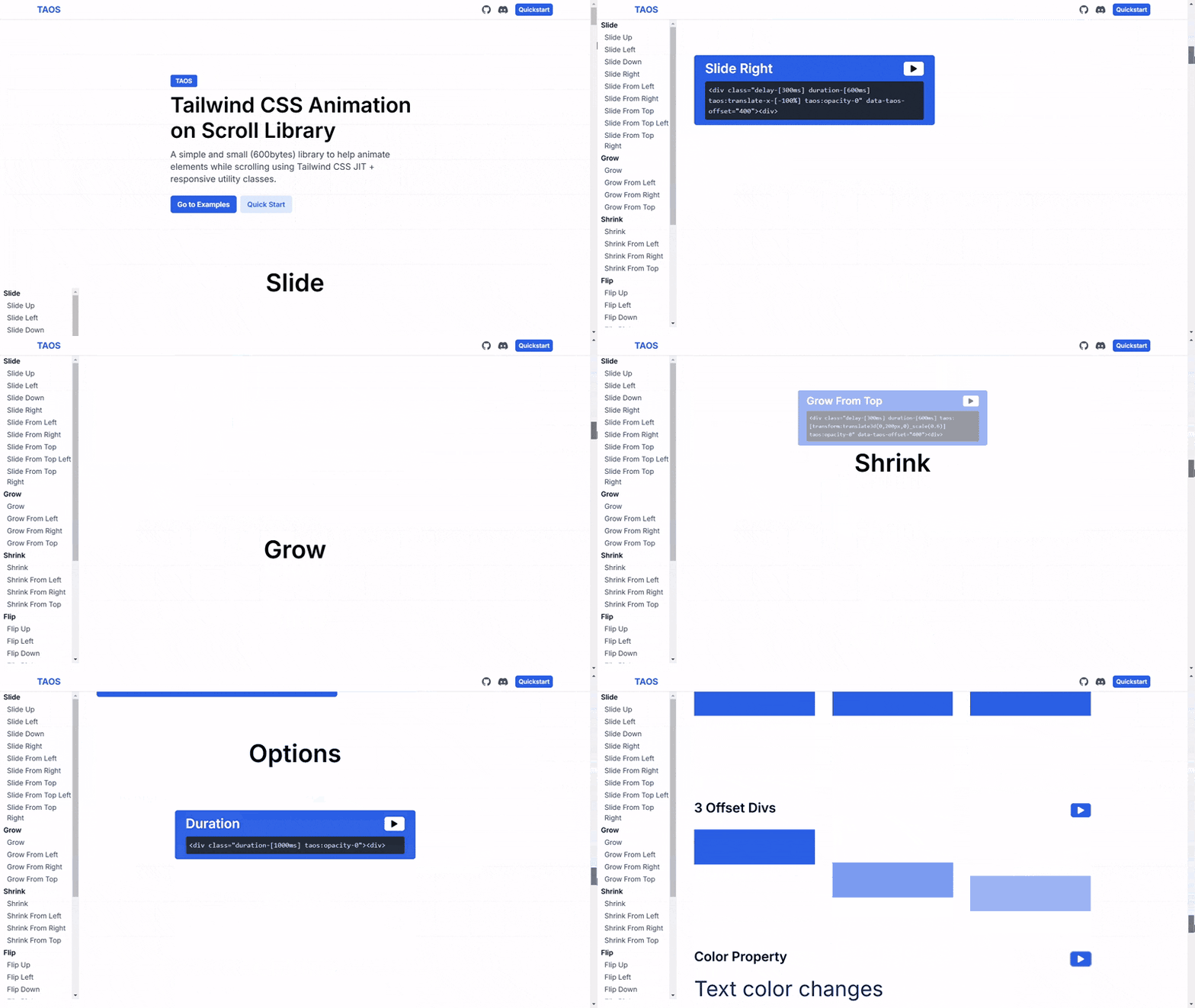
Tailwind CSS is a popular utility-first CSS framework. However, it doesn’t provide built-in functionalities for creating scroll animations. Thankfully, you can use tools like TAOS for scroll-triggered animations.
TAOS is a lightweight (approximately 600 bytes) JavaScript library designed to integrate seamlessly with Tailwind CSS. It allows you to apply animations to elements when they enter the viewport during scrolling, utilizing Tailwind's Just-In-Time (JIT) mode and responsive utility classes.
TAOS provides 20 animations across categories: slide, grow, shrink, and flip. It allows you adjust the duration, delay, offset, easings, and repeat of your scroll effects.
Learn more about Tailwind CSS!
Explore the following resources to learn more about Tailwind CSS:
📖 Tailwind CSS Animations: Tutorial and 40+ Examples
📖 Tailwind CSS vs. Bootstrap: Which is better?
📖 9 Best Tailwind Component Libraries and How to Choose One
📖 Integrate and Customize Tailwind CSS Dark Mode in a Next.js Project
Conclusion
We’ve explored various interesting, engaging, and eye-catching scroll animations in this article. Hopefully, they’ve inspired you and will be used in future projects.
Check out the following resources if you’d love to see more CSS animation examples:
- CSS Text Animations: 40 Creative Examples to Try
- CSS Hover Effects: 40 Engaging Animations To Try
- CSS Button Animations: 40 Ideas to Inspire You + Code Examples
- 39 Awesome CSS Animation Examples with Demos + Live Code
- Tailwind CSS Animations: Tutorial and 40+ Examples
- 40 CSS Background Effects to Enhance Your Website
- 50 Creative CSS Image Effects for Engaging Websites