CSS sliders let you show content like images, text, or videos in a sliding or rotating format. They’re often used for image galleries, product showcases, testimonials, featured articles, or banners. Sliders allow you to present multiple items in the same space while keeping the page visually engaging.
In this article, we’ll explore 40 examples of CSS sliders, from basic image sliders to more creative designs.
Check out these 50 creative CSS image effects!
Sliders are just one of the many components you can create with images. Our article on CSS image effects showcases 50 ways you can make these images come alive. Check it out!
40 examples of CSS sliders
Let's check out 40 creative examples of CSS sliders to give you some inspiration for your own projects.
1. Simple pure-CSS carousel
CodePen by Dang Van Thanh
2. Real simple slider
CodePen by Chris Coyier
3. CSS-only carousel slider
CodePen by Christian "Schepp" Schaefer
4. Responsive slideshow carousel with only HTML and CSS
CodePen by Trung Vo
5. Pure CSS linear carousel
CodePen by Paul Noble
6. Flickity - wrapAround
CodePen by Dave DeSandro
7. Pure CSS image slider
CodePen by Ruediger Stursberg
8. Pure CSS testimonial slider
CodePen by MAHESH AMBURE
9. Scrolly carousel example
CodePen by Robin Rendle
10. Pure CSS slider with custom effects
CodePen by Nikolay Talanov
11. Pure CSS horizontal slide
CodePen by David Conner
12. Pure CSS scroll-snap carousel
CodePen by Jenning
13. Pure CSS slider
CodePen by Ivan Grozdic
14. Crack climbing carousel with CSS :has()
CodePen by Josetxu
15. Pure CSS multi-direction slider gallery
CodePen by Chris Neale
16. Responsive faux 3D content scroller
CodePen by Jhey
17. CSS Carousel with keyboard controls
CodePen by David Lewis
18. Pure CSS Bug E-commerce interactions
CodePen by Adam Kuhn
19. Pure CSS slider
CodePen by Kamil
20. 3D Cube (random) slider
CodePen by Temani Afif
21. Circular image slider with N images
CodePen by Temani Afif
22. Minimal pure CSS slider
CodePen by Elton Kamami
23. All-slider CSS
CodePen by Elena
24. Before-after image slider
CodePen by Huw Llewellyn
25. CSS-only image slider using SVG patterns
CodePen by Damián Muti
26. Oceanic overlays
CodePen by Shaw
27. Yarden
CodePen by semicorpus
28. Slider with masked text
CodePen by Ting Chen
29. Slider card
CodePen by Batuhan Baş
30. CSS-only cupcake slider
CodePen by Jamie Coulter
31. Onboarding screens
CodePen by Jebbles
32. Information card slider
CodePen by Andy Tran
33. Horizontal parallax sliding slider with Swiper.js
CodePen by digistate
34. Slider transition (WIP)
CodePen by BryanE
35. Smooth 3D perspective slider
CodePen by Alex Nozdriukhin
36. Fullscreen hero image slider
CodePen by Tobias Bogliolo
37. Digging into the world of CSS sliders
CodePen by Nikolay Talanov
38. Greensock animated slider
CodePen by Artur Sedlukha
39. Motion blur effect using SVG filters
CodePen by Damián Muti
40. UI animation slider
CodePen by Mario
Tools and libraries for creating sliders for websites
While you can build sliders from scratch, using a ready-made tool or library can save time and add extra features. Here are some solutions worth checking out:
Swiper

Swiper is one of the most popular slider libraries available and is trusted by millions of developers and brands. It’s lightweight, fast, and designed to work smoothly on both desktop and mobile devices. It supports native-like touch interactions, making it a great choice for mobile-friendly designs.
One of Swiper’s strengths is how well it integrates with modern frameworks like React, Vue, Svelte, and plain JavaScript. It’s modular, so you can include only the features you need, which helps keep your code lean.
Splide
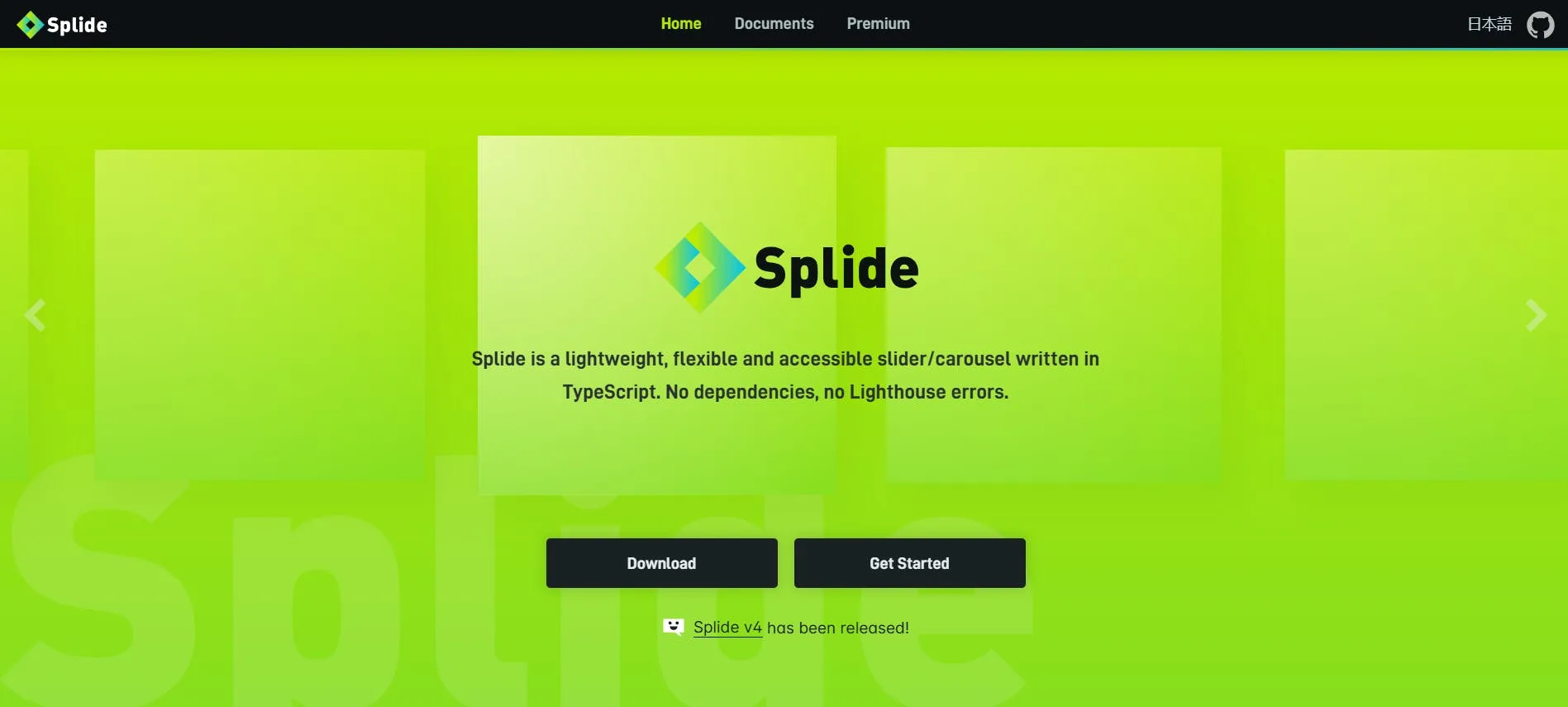
Splide is a lightweight, flexible, and accessible slider written in TypeScript. It has no dependencies, so it’s fast, clean, and won’t trigger performance issues. At just 29kB (12kB gzipped), Splide is ideal for projects where speed and efficiency are a priority.
Splide allows you to create various sliders simply by adjusting its options. It supports multiple layouts, including vertical sliders, thumbnail navigation, nested sliders, and grid-style slides.
Splide also makes it easy to add features like autoplay with progress bars, lazy loading for images, free-drag scrolling, and right-to-left (RTL) layouts.
Glide.js

Glide.js is a lightweight, dependency-free JavaScript slider and carousel library built with flexibility and speed in mind.
Glide.js is around 28KB (~8KB gzipped) and designed to be modular. To reduce the file size even further, you can remove any modules you don’t need.
The library is extendable, allowing you to plug in your own modules for custom functionality. Features include autoplay, breakpoints, swipe gestures, and keyboard navigation. Whether you need a simple image slider or a fully customized carousel setup, Glide.js gives you the tools to build it without unnecessary extras.
Reveal.js
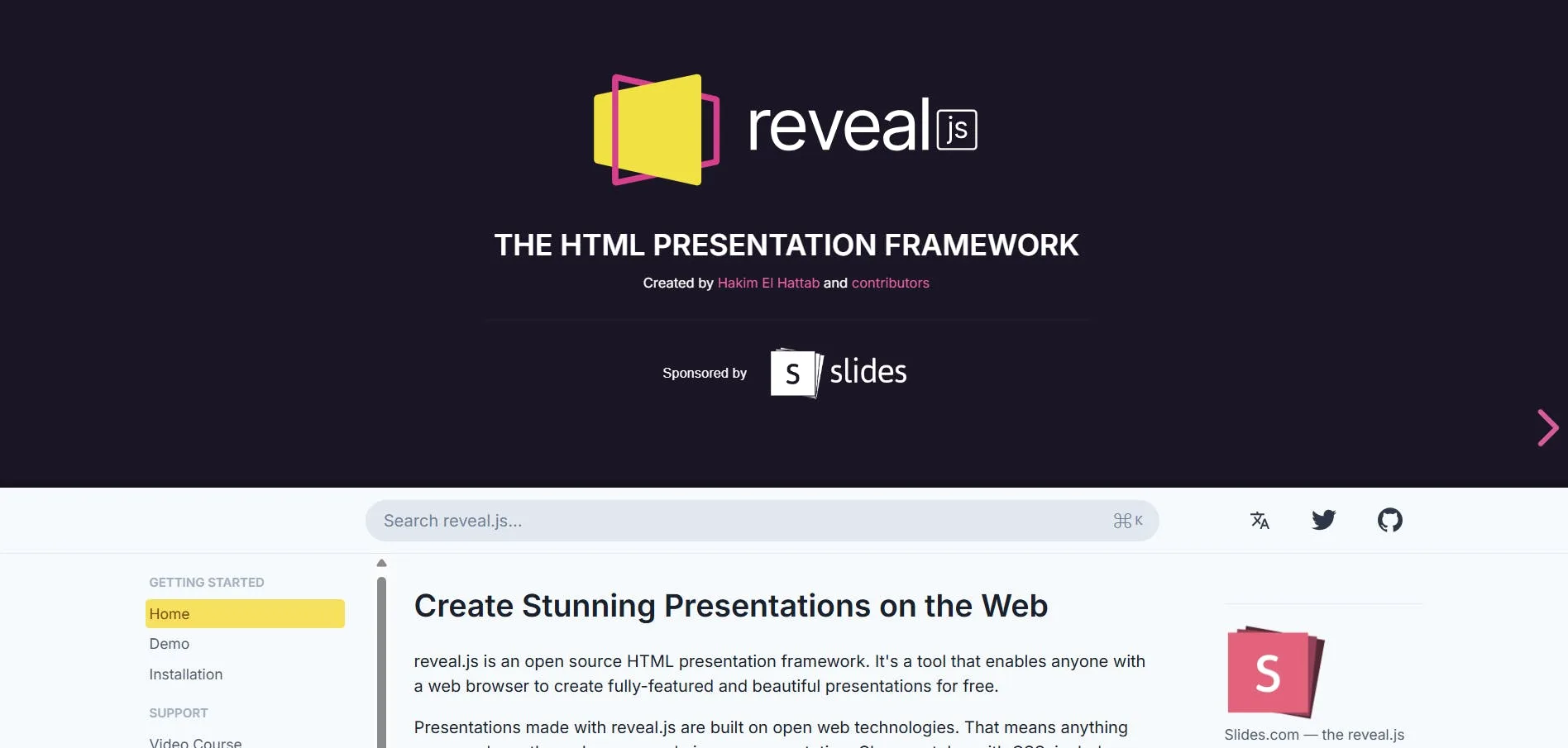
Technically speaking, Reveal.js isn’t a slider library in the same sense as the others we’ve covered, but it’s so popular in the developer community that it’s worth mentioning.
Reveal.js is an open-source HTML presentation framework that allows you to create slide decks using HTML, CSS, and JavaScript.
It supports themes, transitions, and interactive elements, and you can extend it with plugins or custom code to add features like code syntax highlighting and charts.
Conclusion
We’ve explored different examples of CSS sliders you can use as inspiration for your own projects, along with tools and libraries to help you build them. Whether you choose a simple, CSS-only approach or a feature-rich JavaScript library, the right slider can make your content more engaging and easier to navigate.
Do CSS sliders affect website speed?
Do CSS sliders affect website speed?
CSS sliders are lightweight because they don’t require additional JavaScript files to function. This means they add very little to the overall page load.
The biggest factor affecting speed is usually the size and number of images or videos used in the slider. The slider can still slow down your site if you use large, high-resolution files without compressing them.
Optimizing media files and using modern image formats like WebP can help maintain fast load times.
When should I use JavaScript instead of CSS for sliders?
JavaScript is a better choice when you need more advanced functionality than CSS alone can provide. This includes features like autoplay with pause on hover, touch or swipe gestures for mobile devices, dynamically loading or updating slides, and syncing multiple sliders together.
JavaScript libraries also make it easier to control transitions, animation speeds, and custom navigation elements.
What scenarios and use cases are CSS sliders best for?
CSS sliders are great for simple, static content where the layout and slides don’t need to change dynamically. This includes image galleries, testimonial sections, promotional banners, and small feature showcases.
They work well when you want a fast-loading, low-maintenance solution without the extra weight of JavaScript.
CSS sliders are also a good choice for websites where accessibility and performance are priorities, as they can be built with clean, semantic HTML and minimal code.